MailBulk – Bulk Email Marketing & Campaigns | Contact Lists | SMTP Servers | Reseller System | Razorpay Payments | REST API

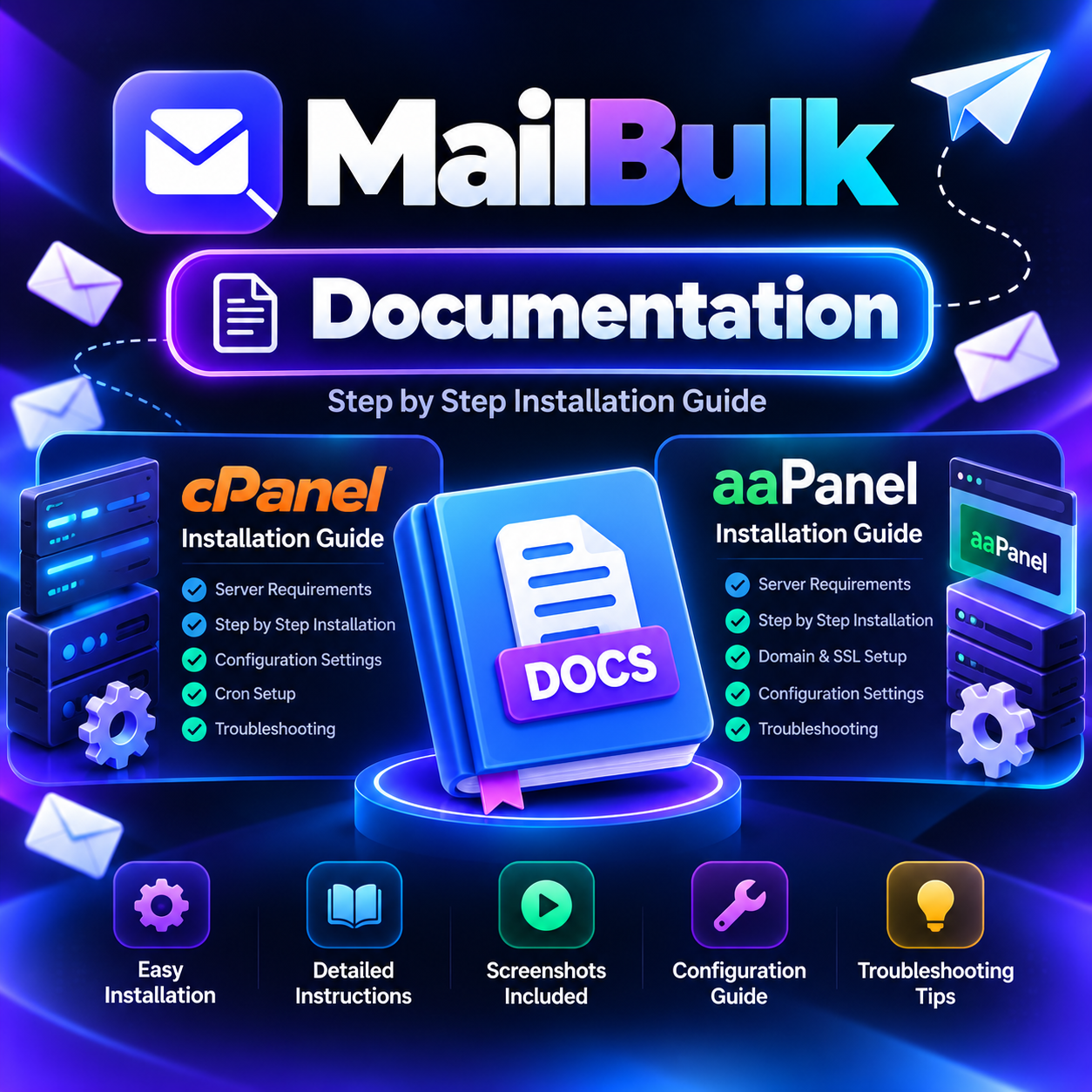
Click the left image to open the Live Demo (one-click login for Admin, Reseller and User), or the right image to read the Online Documentation.
Please note: MailBulk is sold only on CodeCanyon. We do not sell this script anywhere else. Please make sure you buy the genuine product from our CodeCanyon portfolio. For any question, contact us at support@creatorschoice.in or WhatsApp +91 76207 98265.
MailBulk – send bulk e-mail campaigns, manage contacts and SMTP servers, and run your own email marketing business.
MailBulk is a complete bulk email marketing and newsletter platform built with Laravel. Install it on your own hosting in minutes, connect your SMTP servers, import your contacts, and send professional campaigns to thousands of people – with full Admin, Reseller and User panels, subscription plans and built-in payments.
Start your own email marketing SaaS business: sell plans to your customers, let resellers manage their own clients, collect payments through Razorpay or manual UPI / bank transfer, and manage everything from one clean dashboard. A ready-made public website (home, features, pricing, about, contact, FAQ) is included and can be edited from the admin panel – no coding needed.
No complicated setup: upload the files, open your domain, and follow the web Install Wizard (requirements check, database, admin account). There is no manual SQL import and no .env editing.
Important: MailBulk sends e-mail through the SMTP servers that you or your customers add (for example your own hosting SMTP, Gmail, SendGrid, Brevo, Amazon SES or any other provider). Sending costs and sending limits depend on the SMTP provider you choose. Please follow your provider’s rules and send only to people who agreed to receive your e-mails.
Screenshots | Key Features | Server Requirements | Installation | Live Demo | Change Log
Online Documentation
Step-by-step guides for cPanel and aaPanel installation, admin setup, user guide, FAQ and change log:
https://doc.mailbulk.in/
Live Demo
MailBulk Live Demo – use the one-click buttons on the login page, or the details below.
Admin Panel
Email: admin@demo.com
Password: demo1234
Reseller Panel
Email: reseller@demo.com
Password: demo1234
User Panel
Email: user@demo.com
Password: demo1234
Screenshots
Public Website
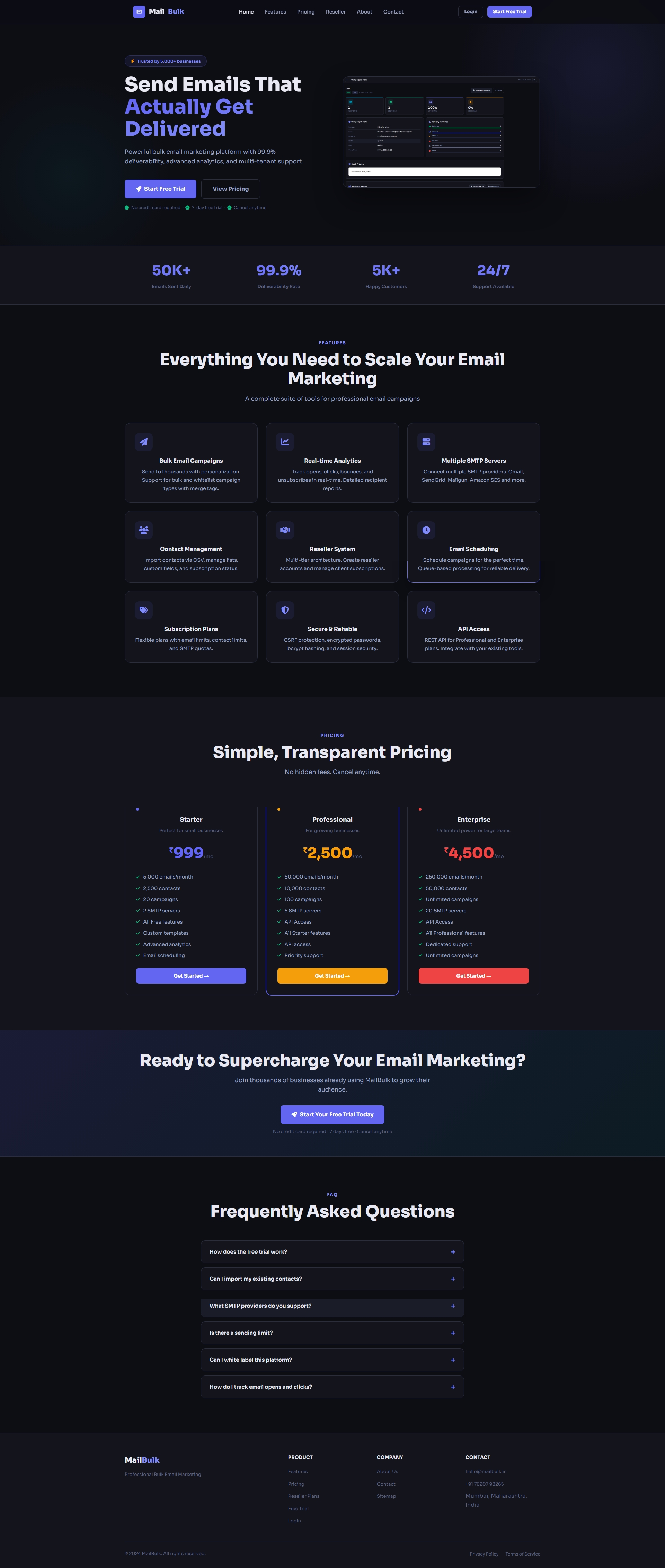
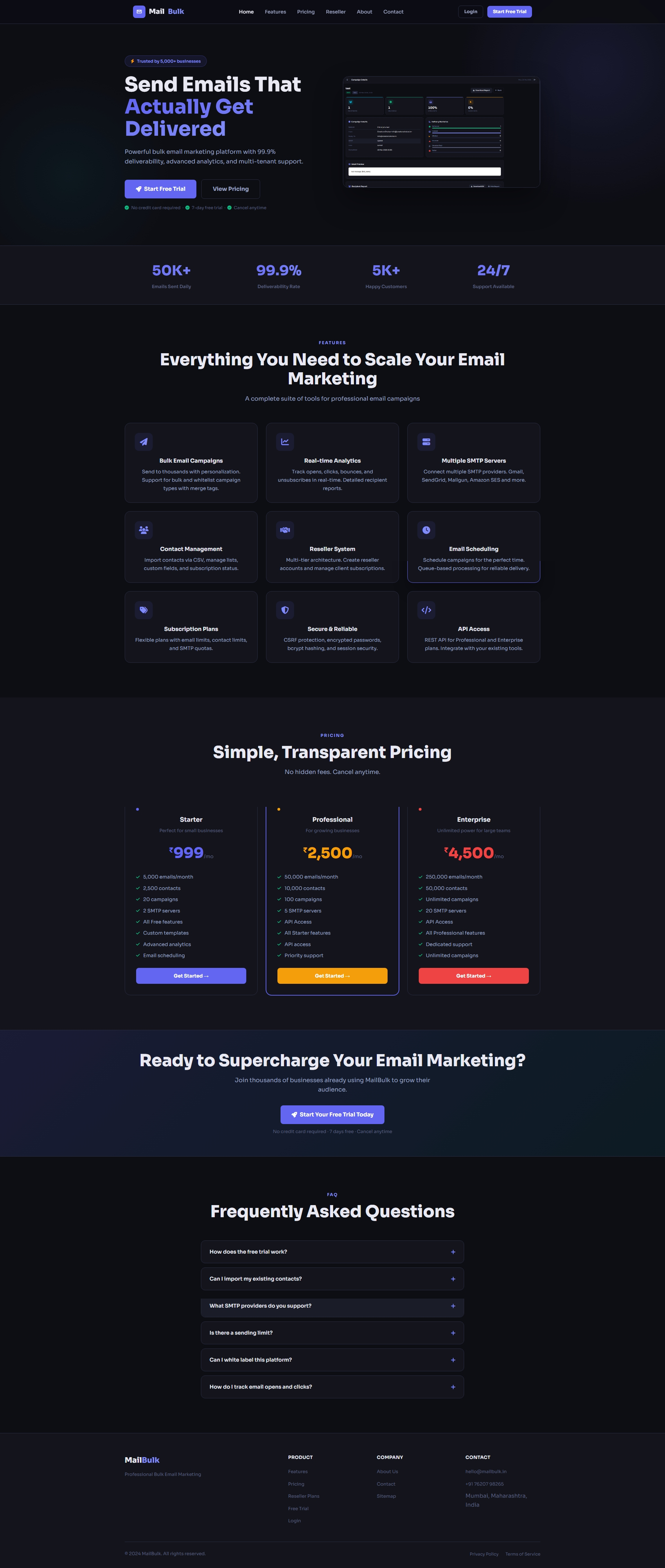
A modern, responsive landing page for your email marketing business – every section can be edited from the admin panel.
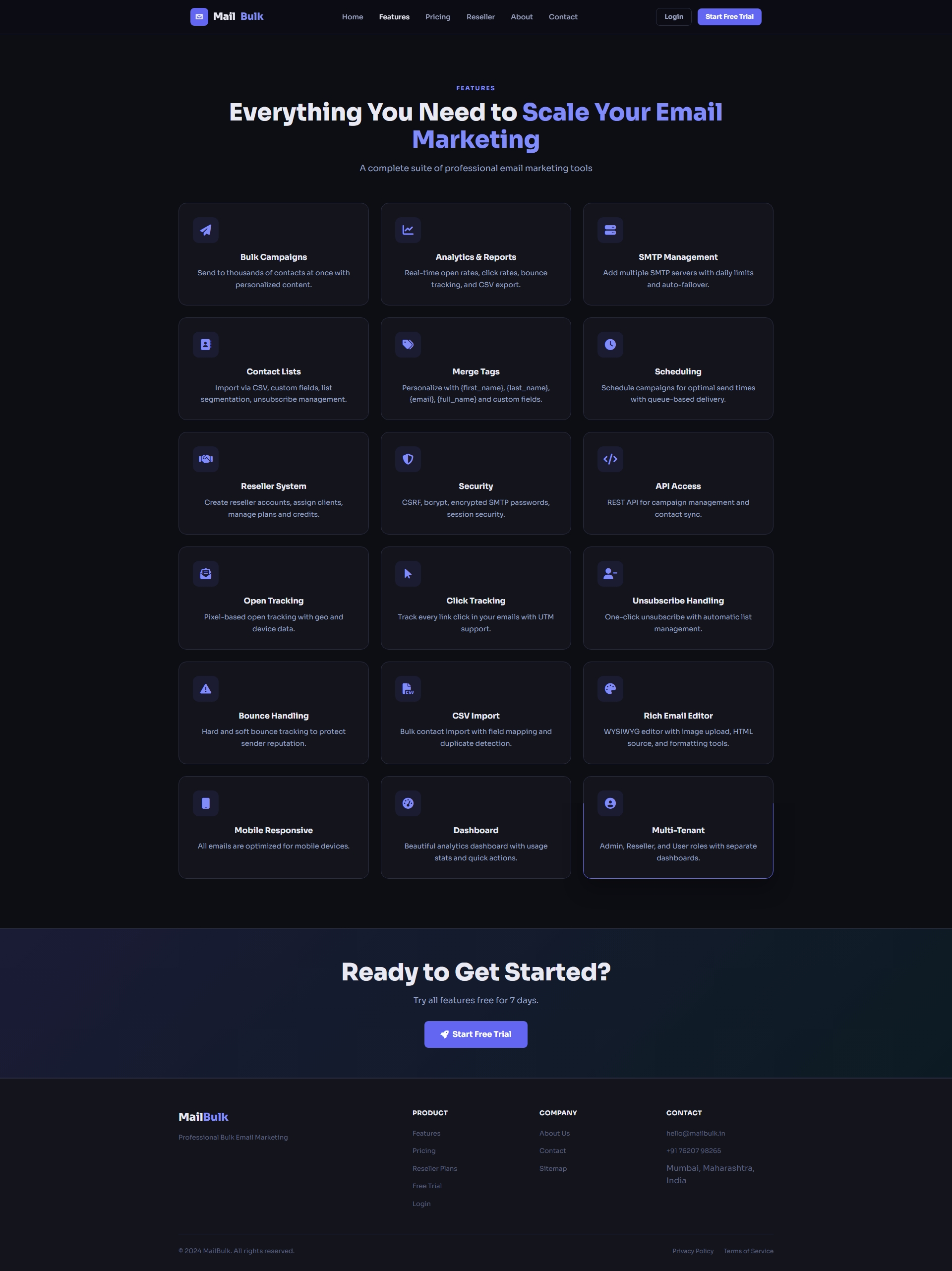
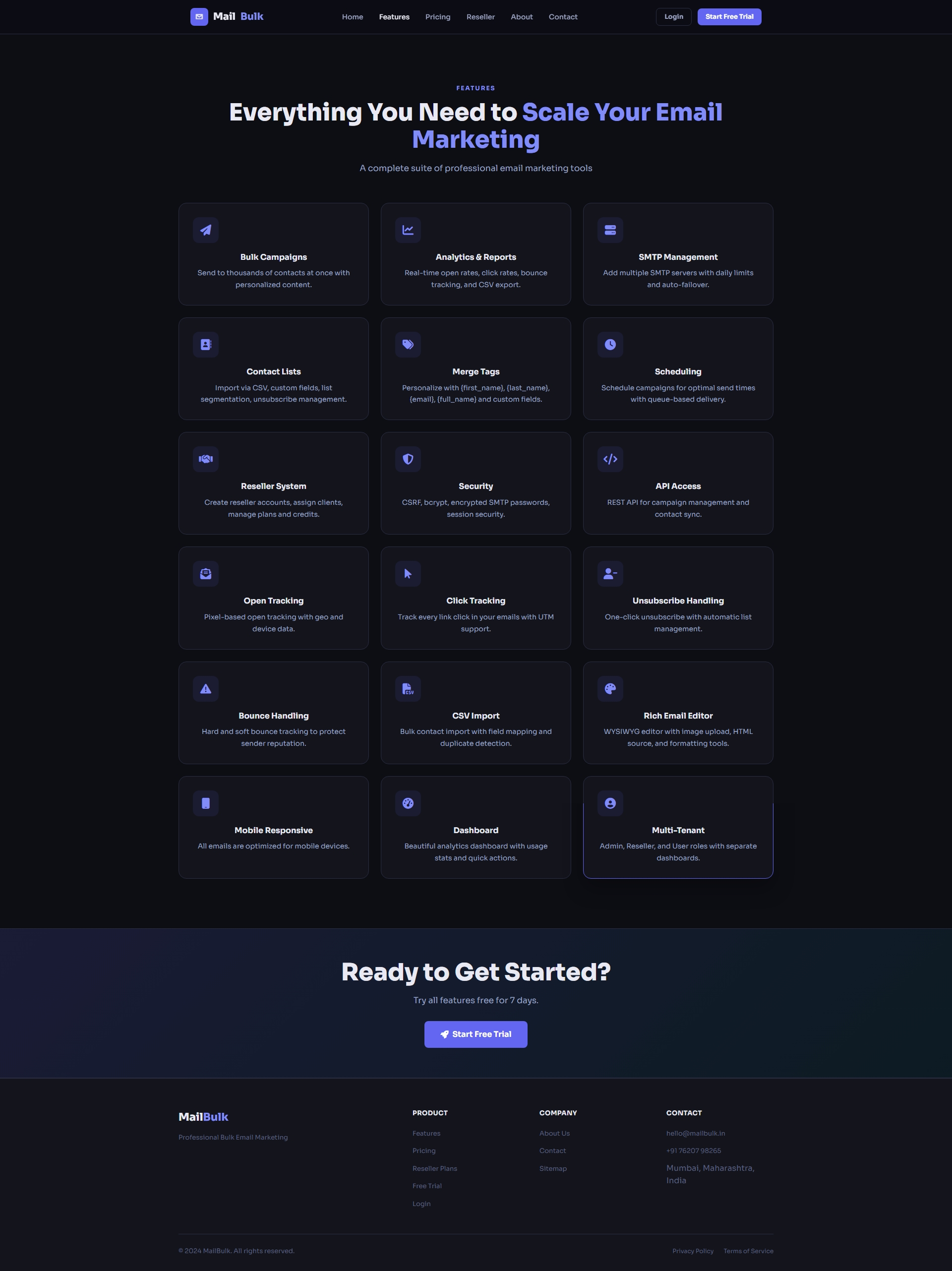
Features page that shows your visitors what the platform can do.
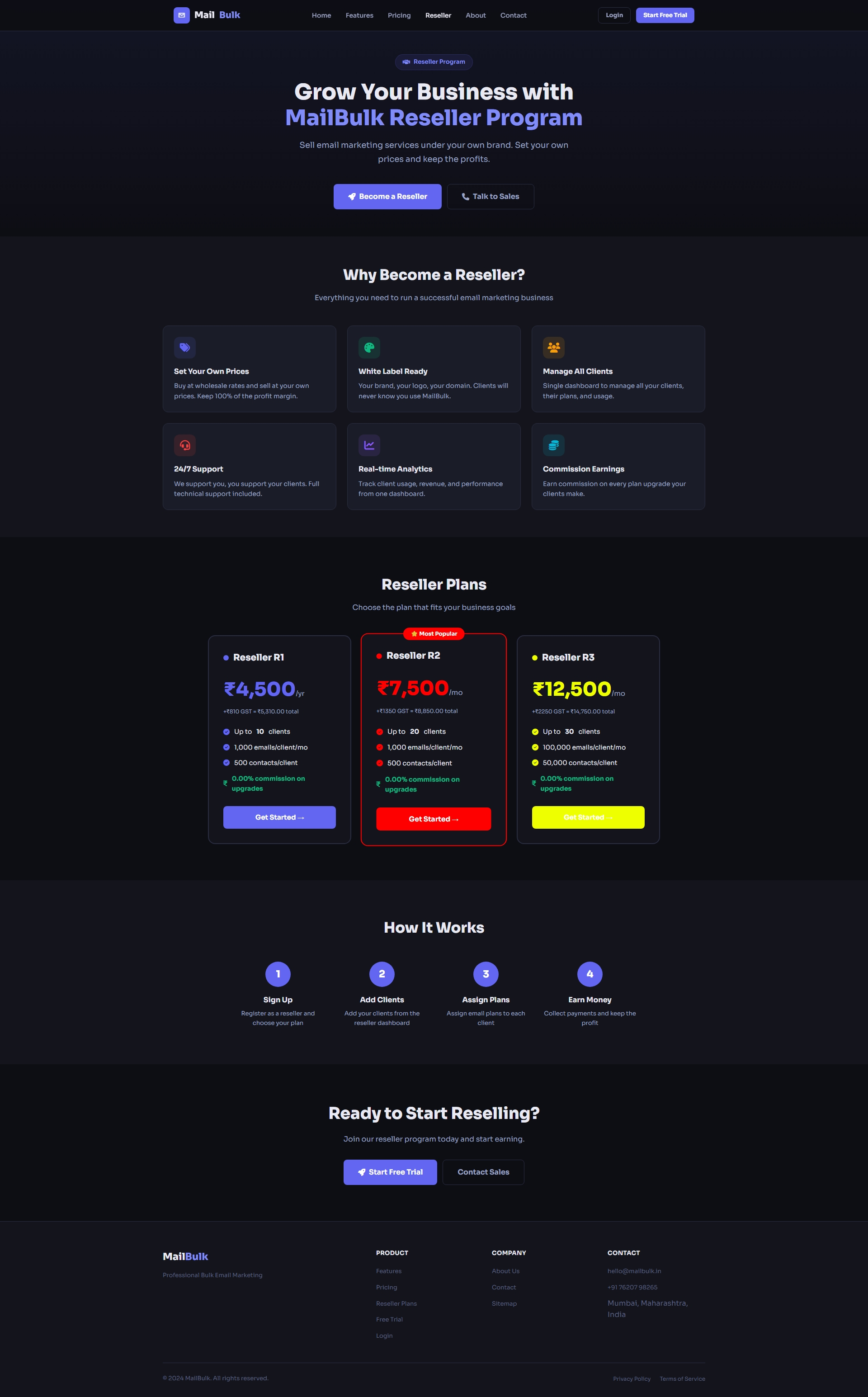
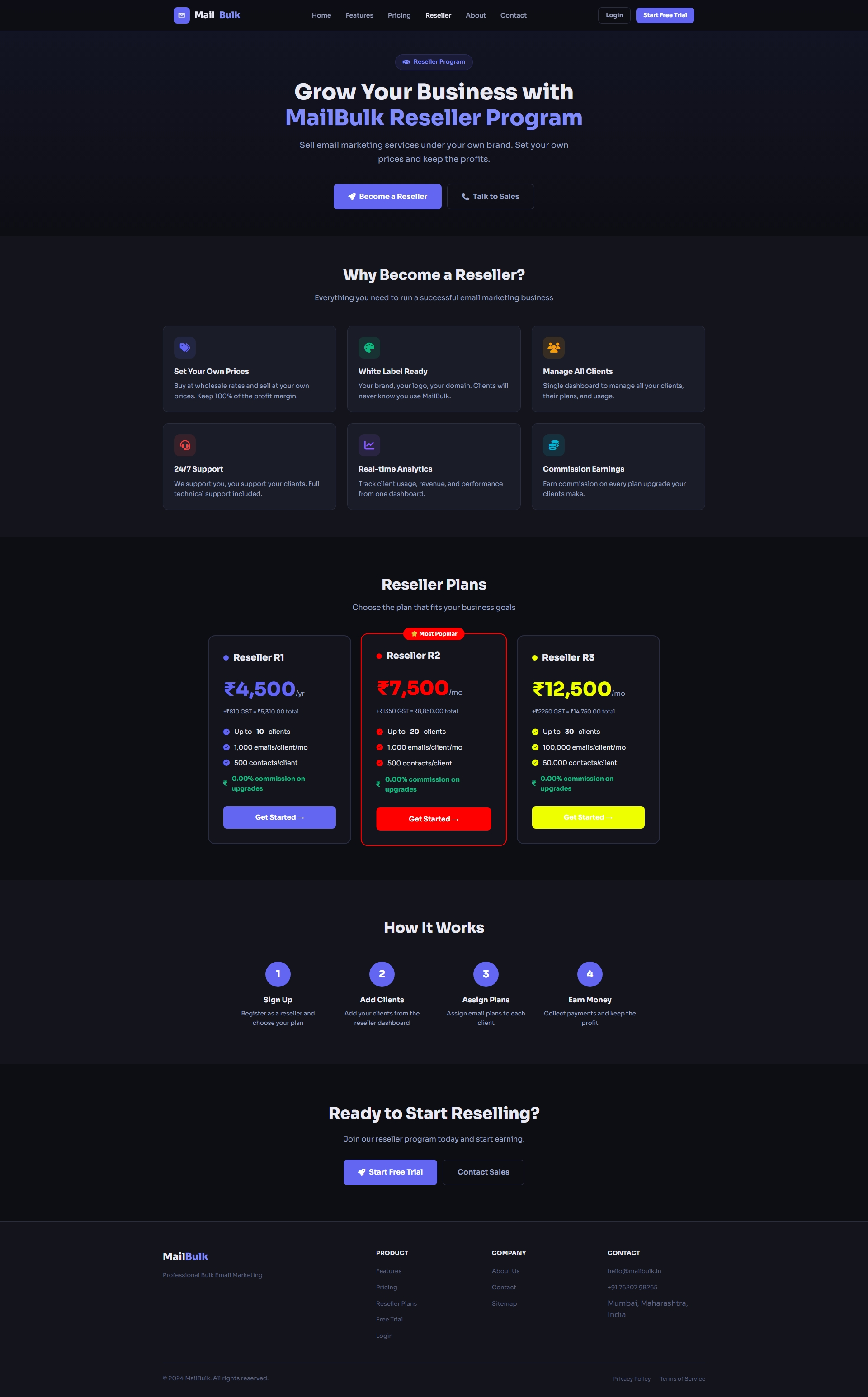
Reseller plans page – let partners sign up, buy a reseller plan and manage their own clients.
User Dashboard
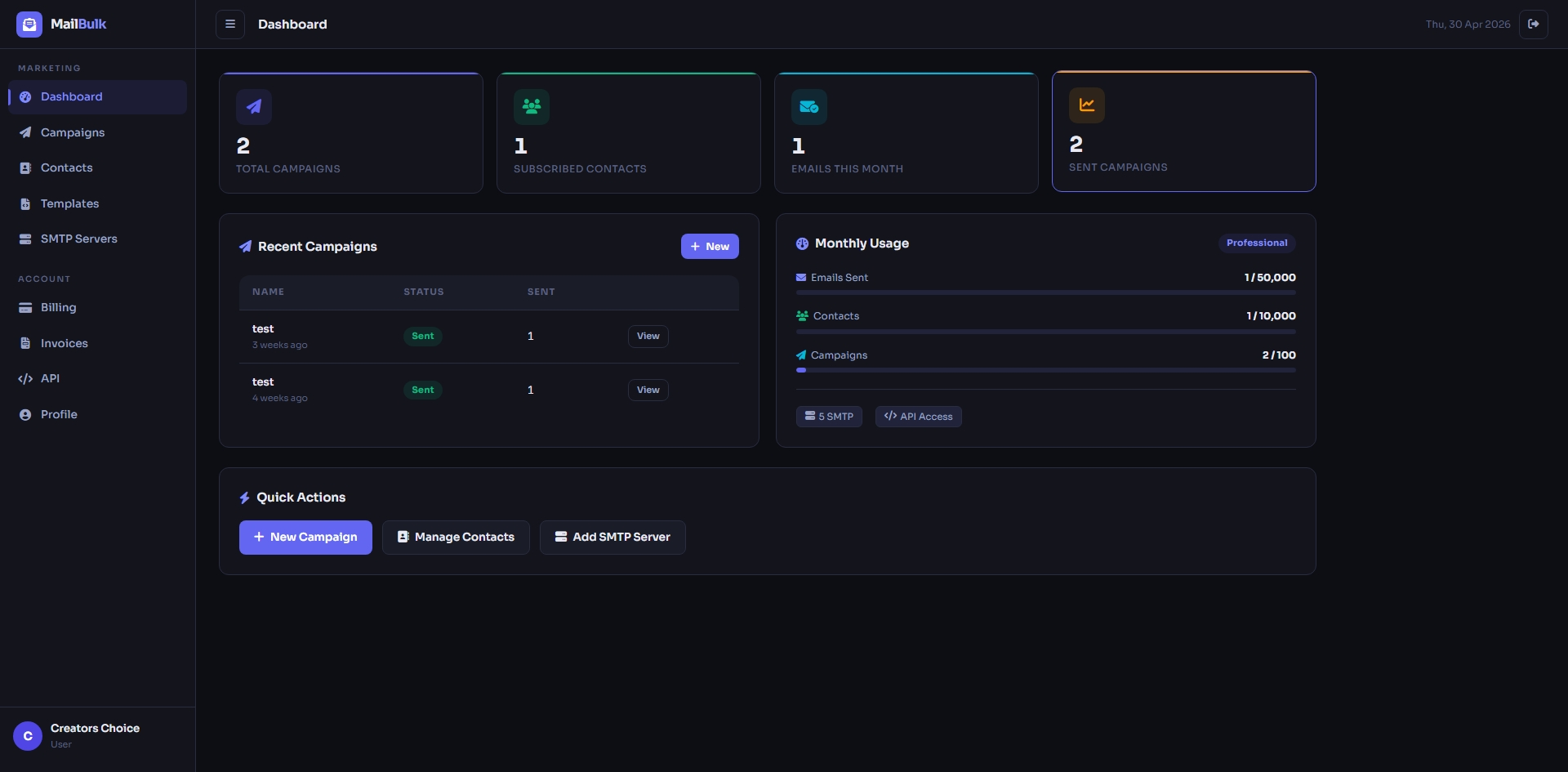
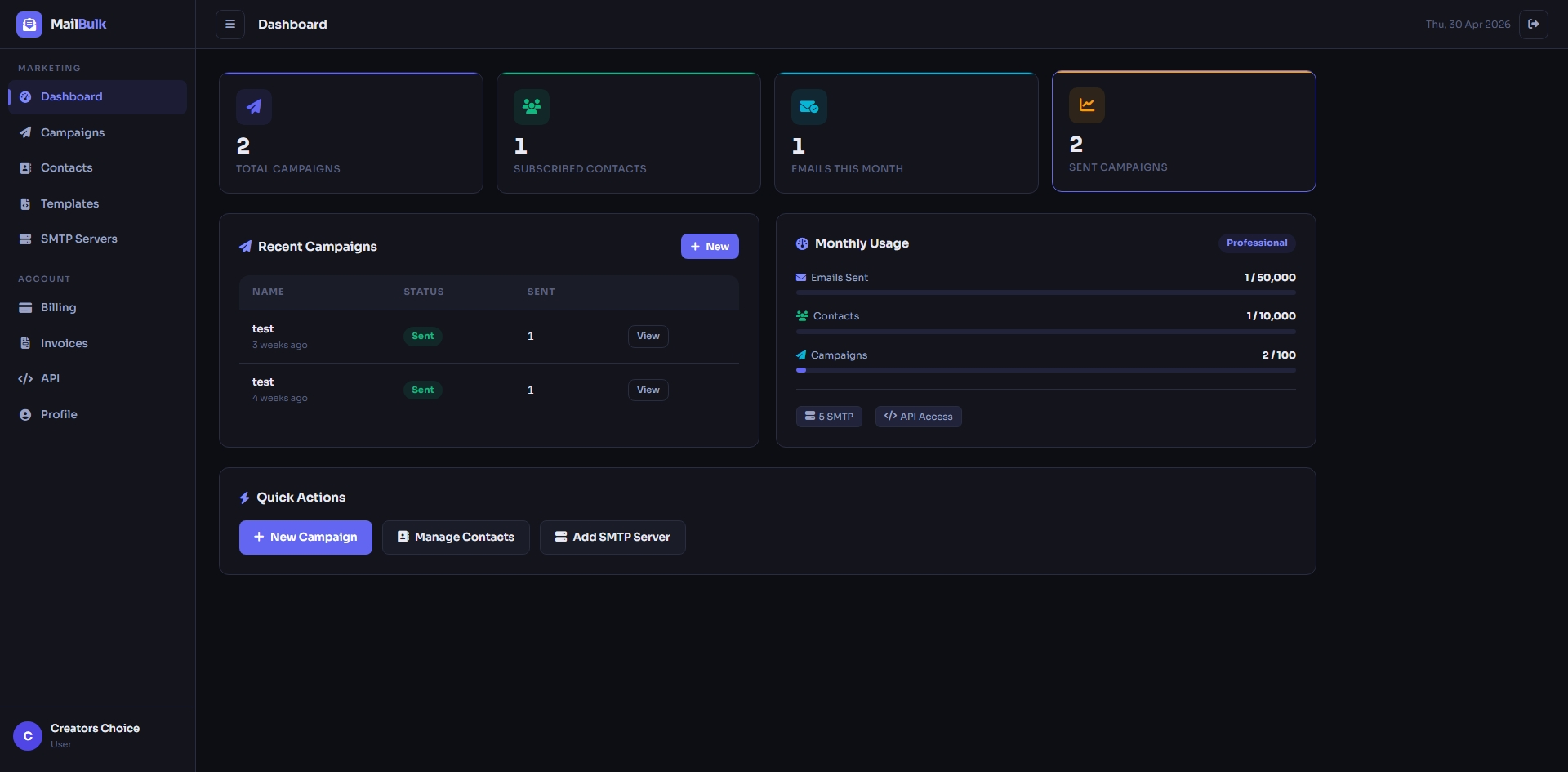
User dashboard with sent e-mails, contacts, campaigns, open rate and plan usage at a glance.
Contact Lists
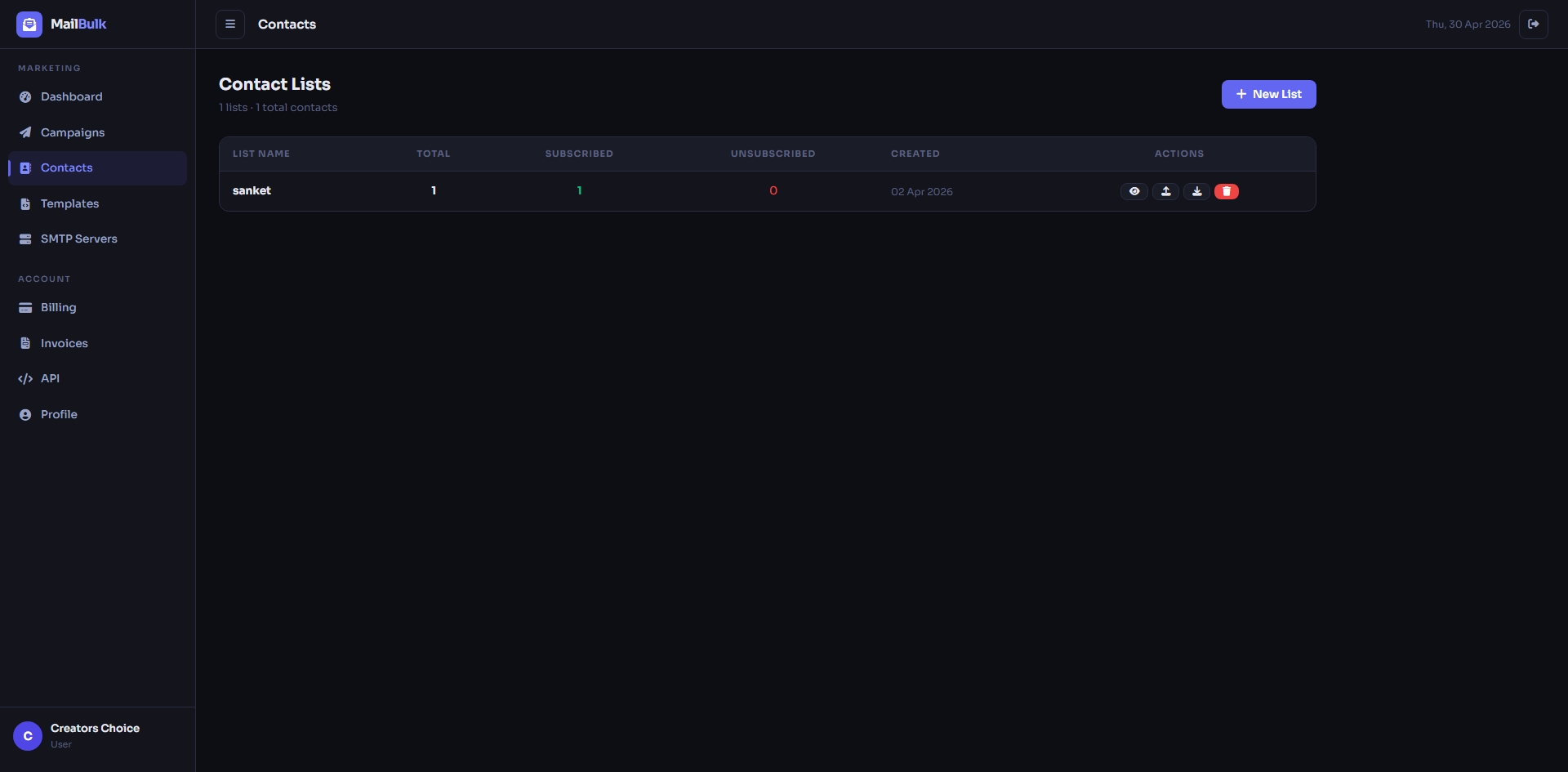
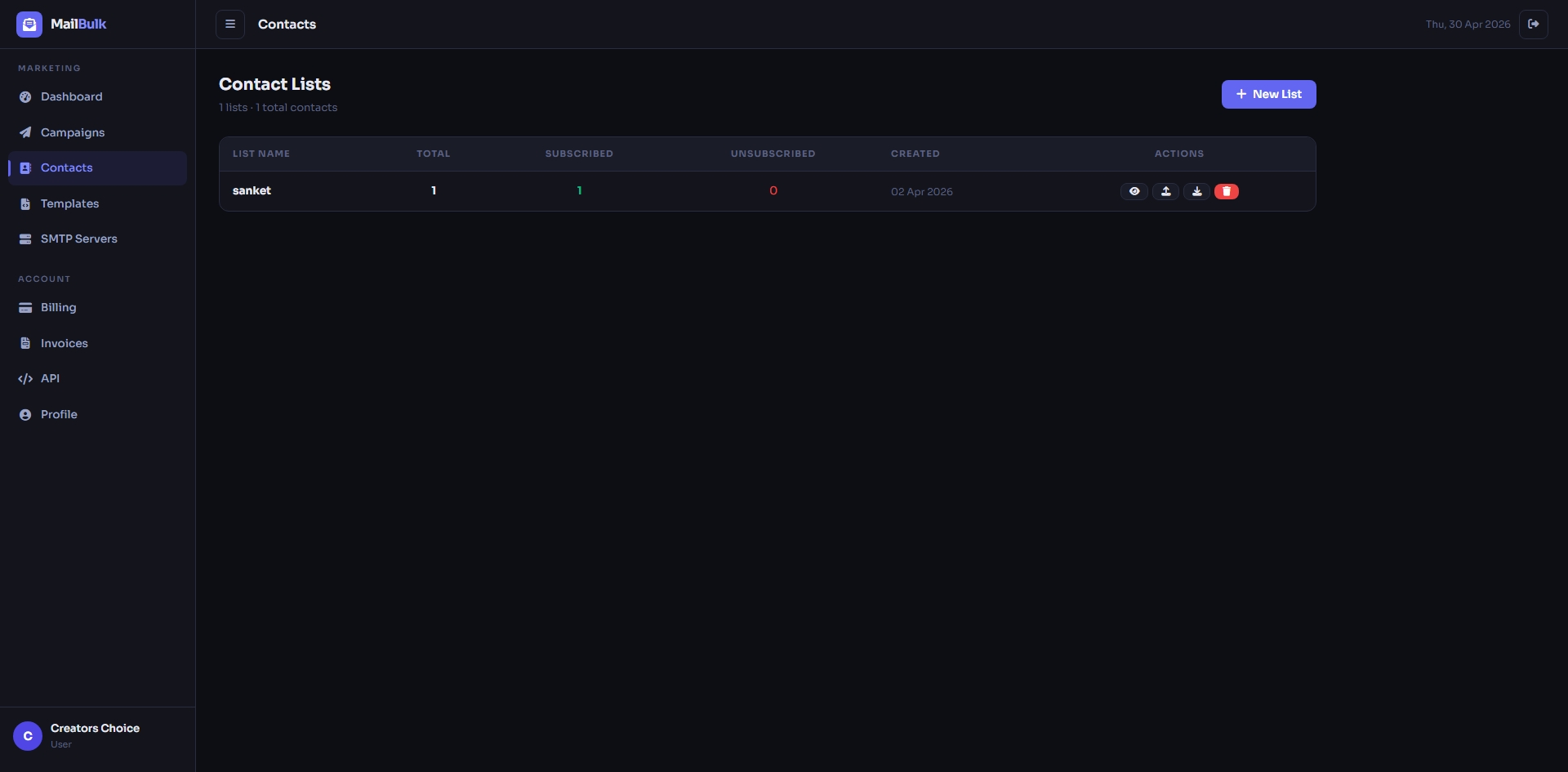
Contact lists with subscribed and unsubscribed counts for every list.
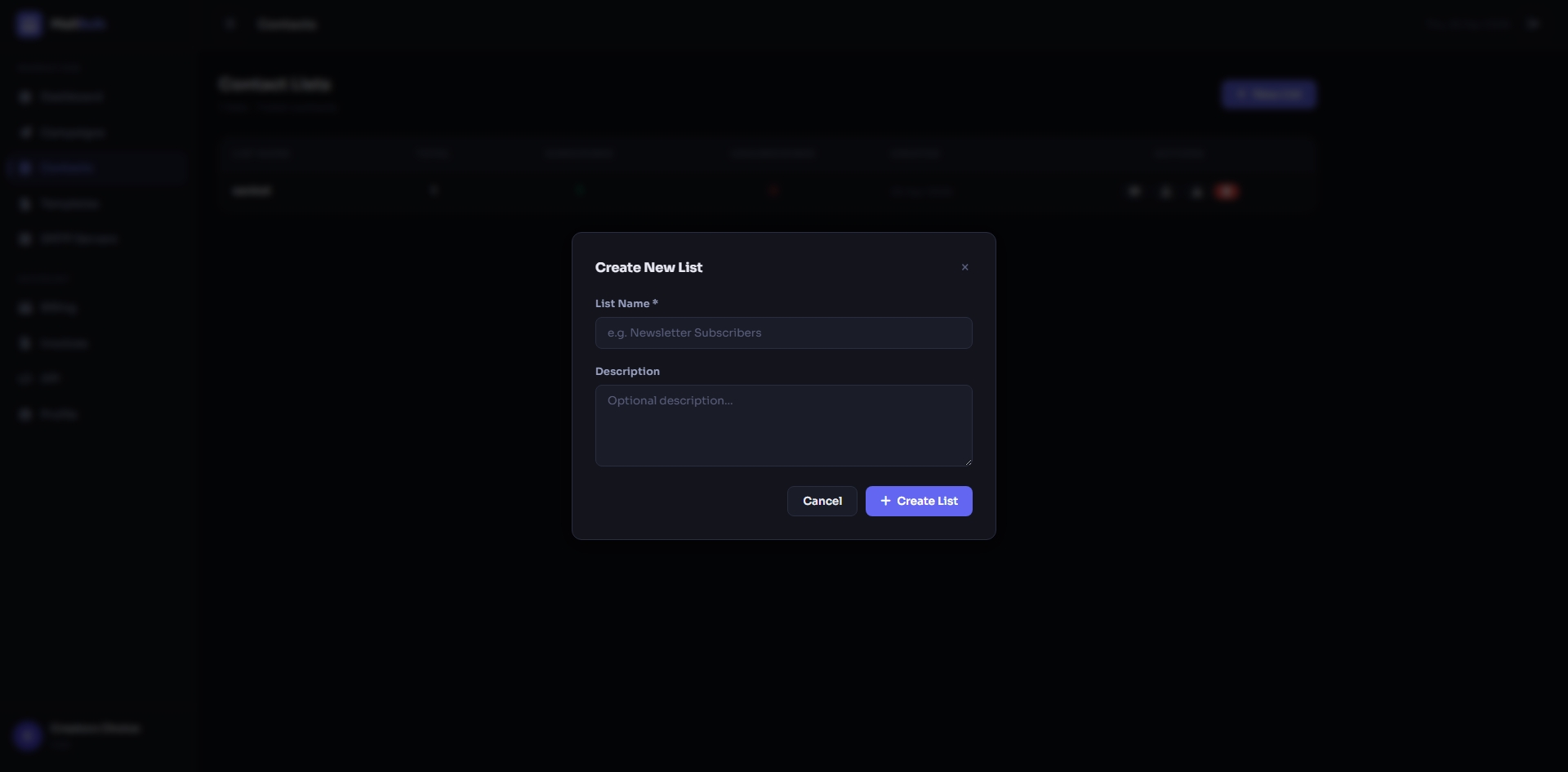
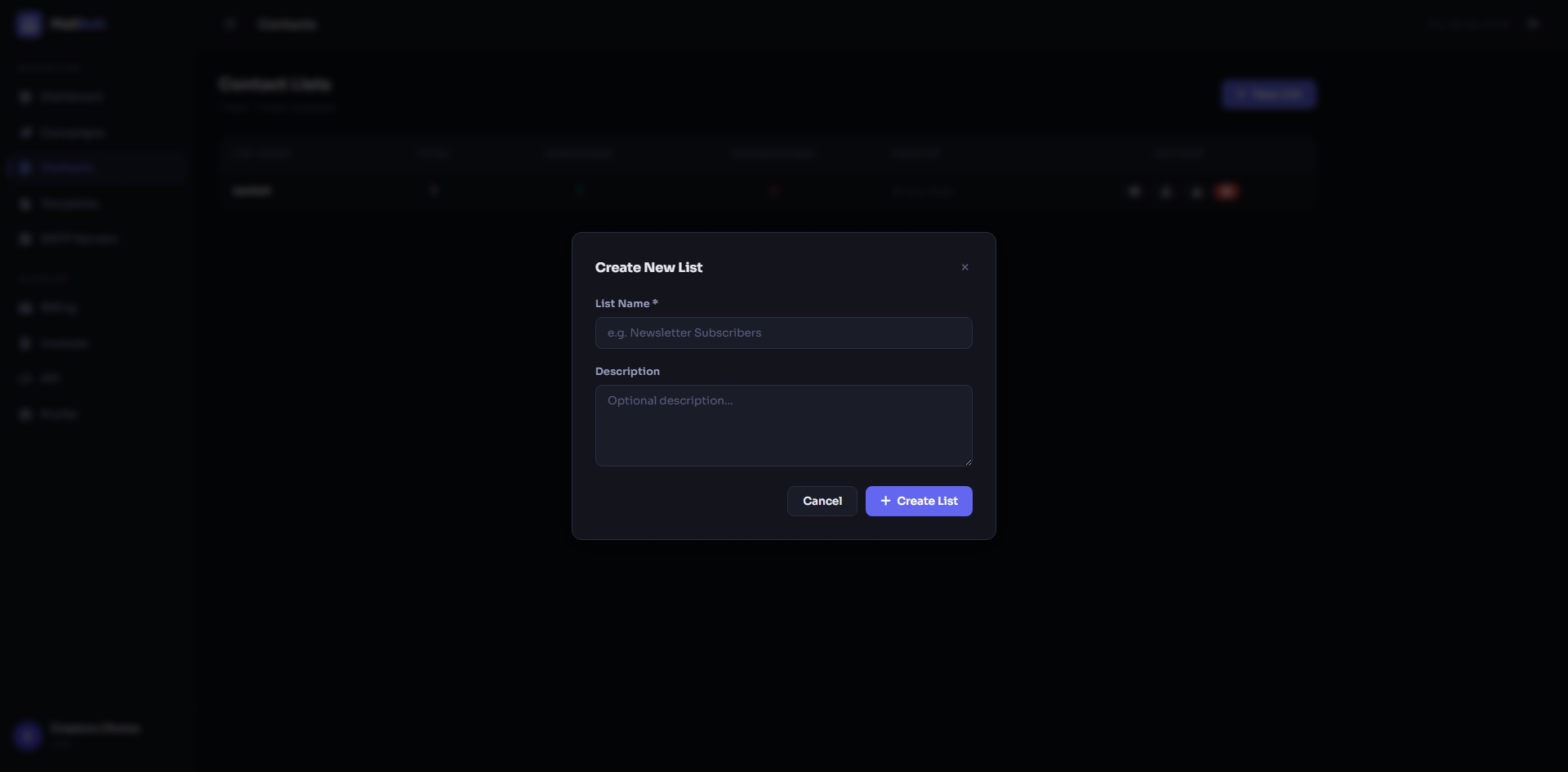
Create a new contact list in a few seconds.
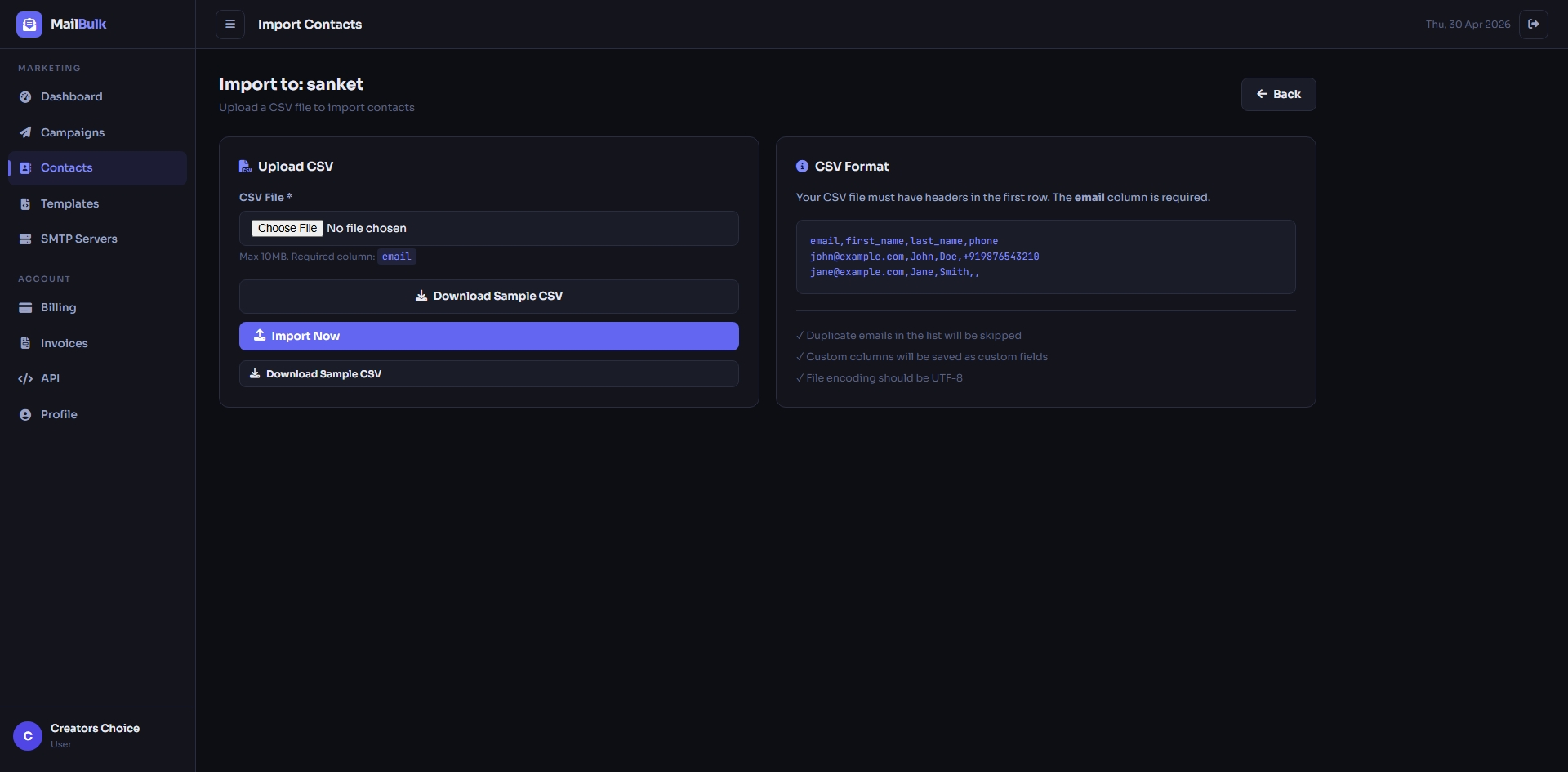
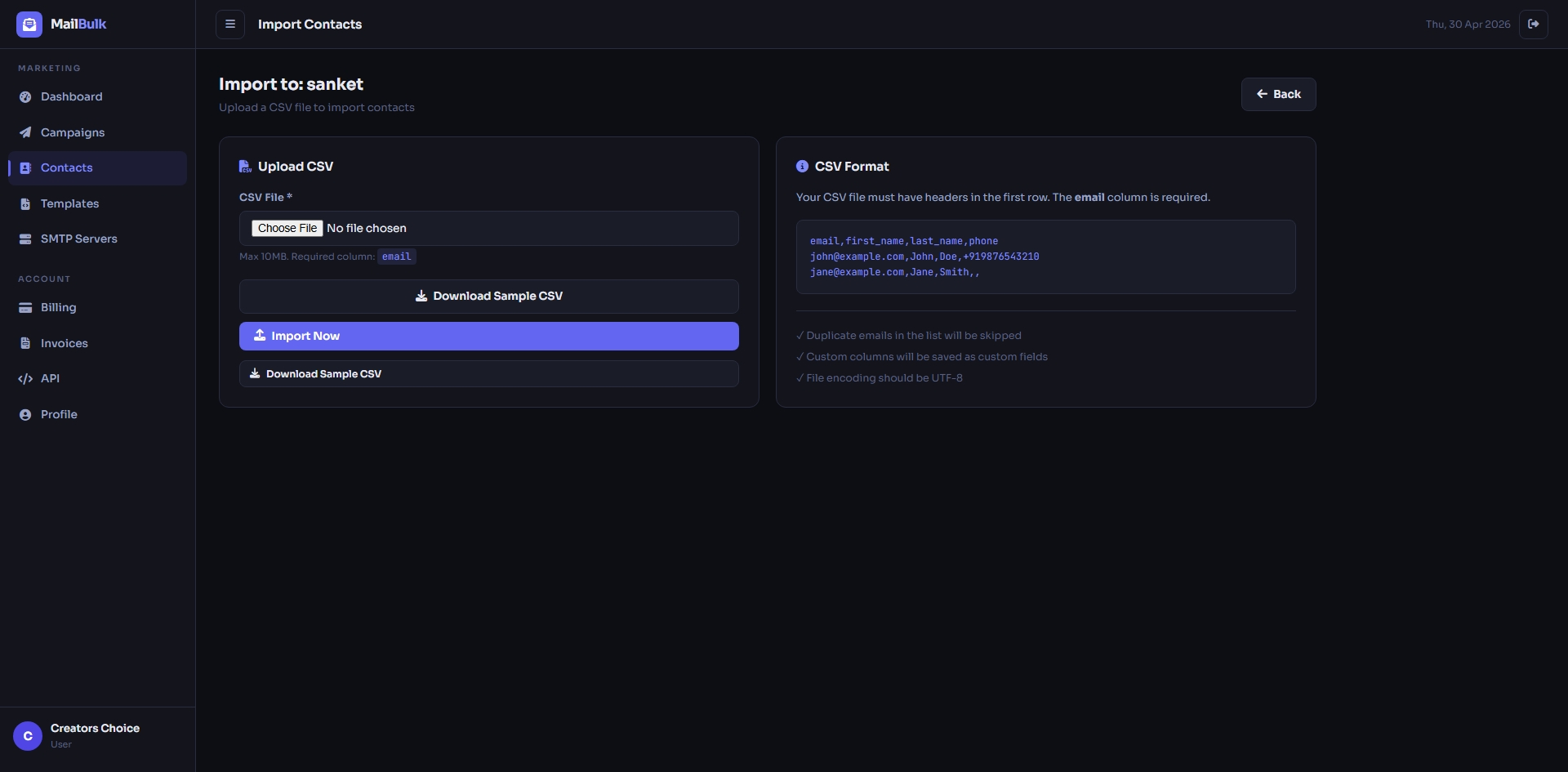
Import contacts from a CSV file (sample file included). Invalid and duplicate addresses are skipped and extra columns are saved as custom fields.
Campaigns
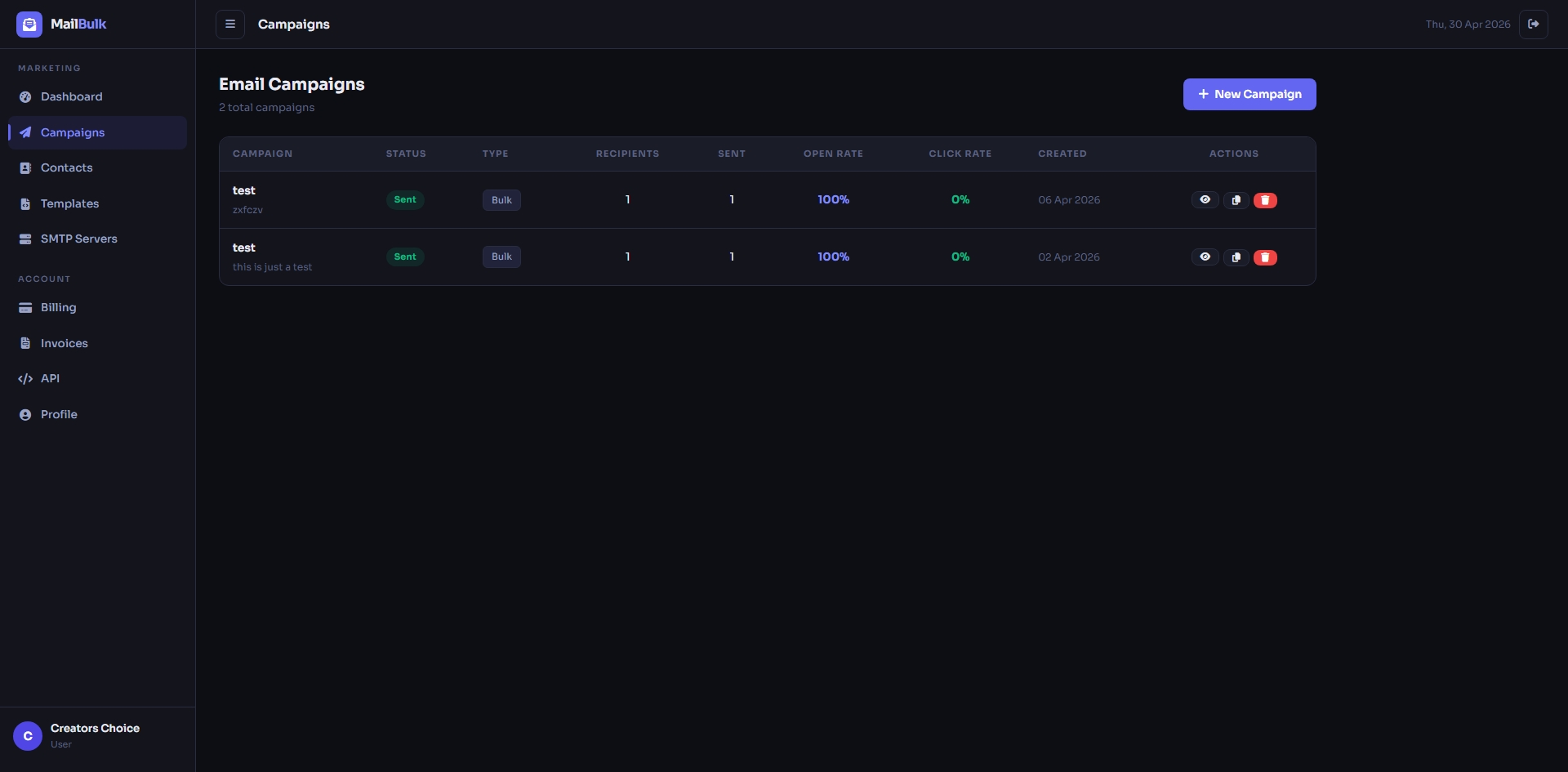
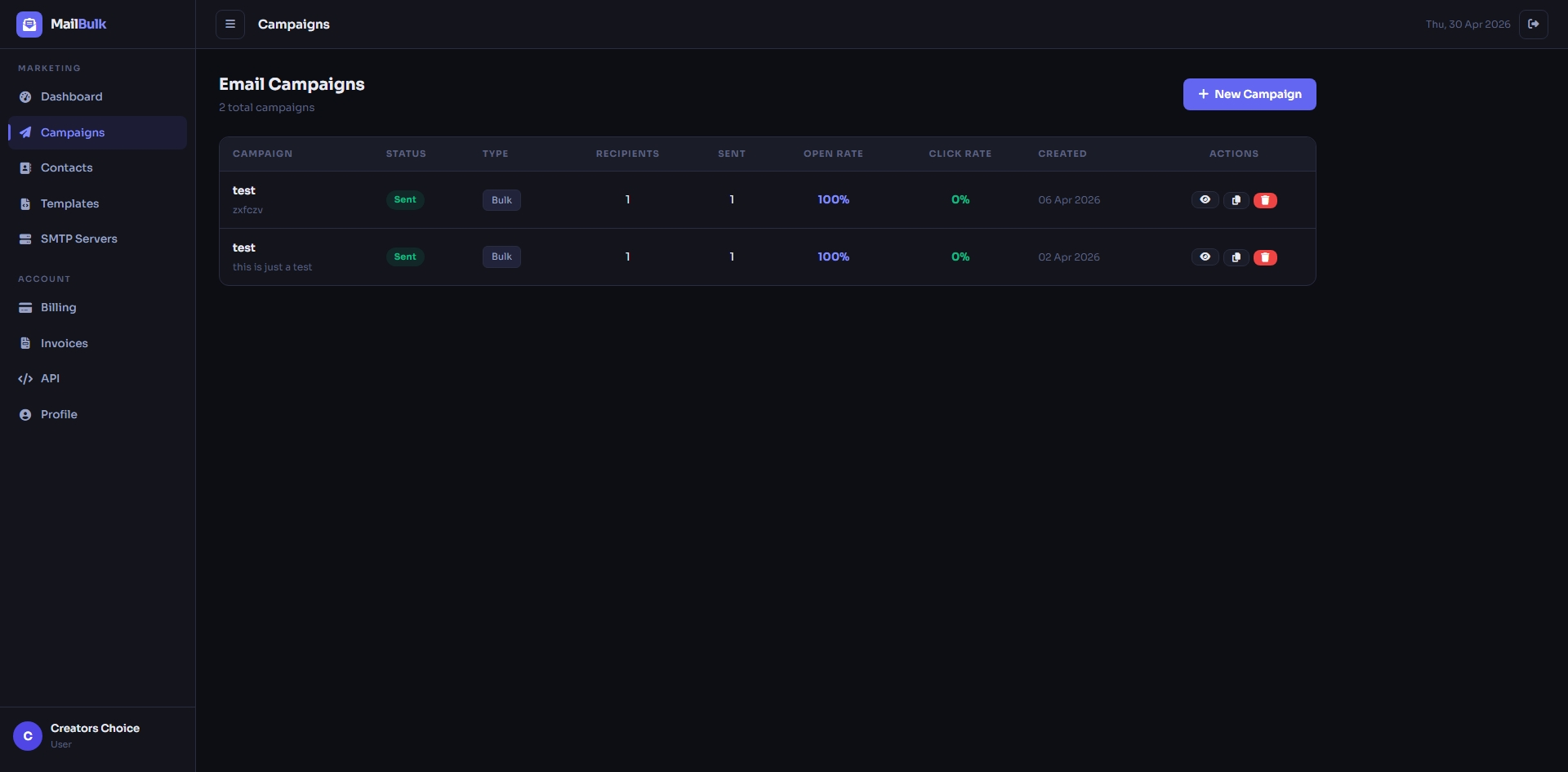
Campaign list with status (draft, scheduled, sent, paused) and quick actions such as send, pause, duplicate and delete.
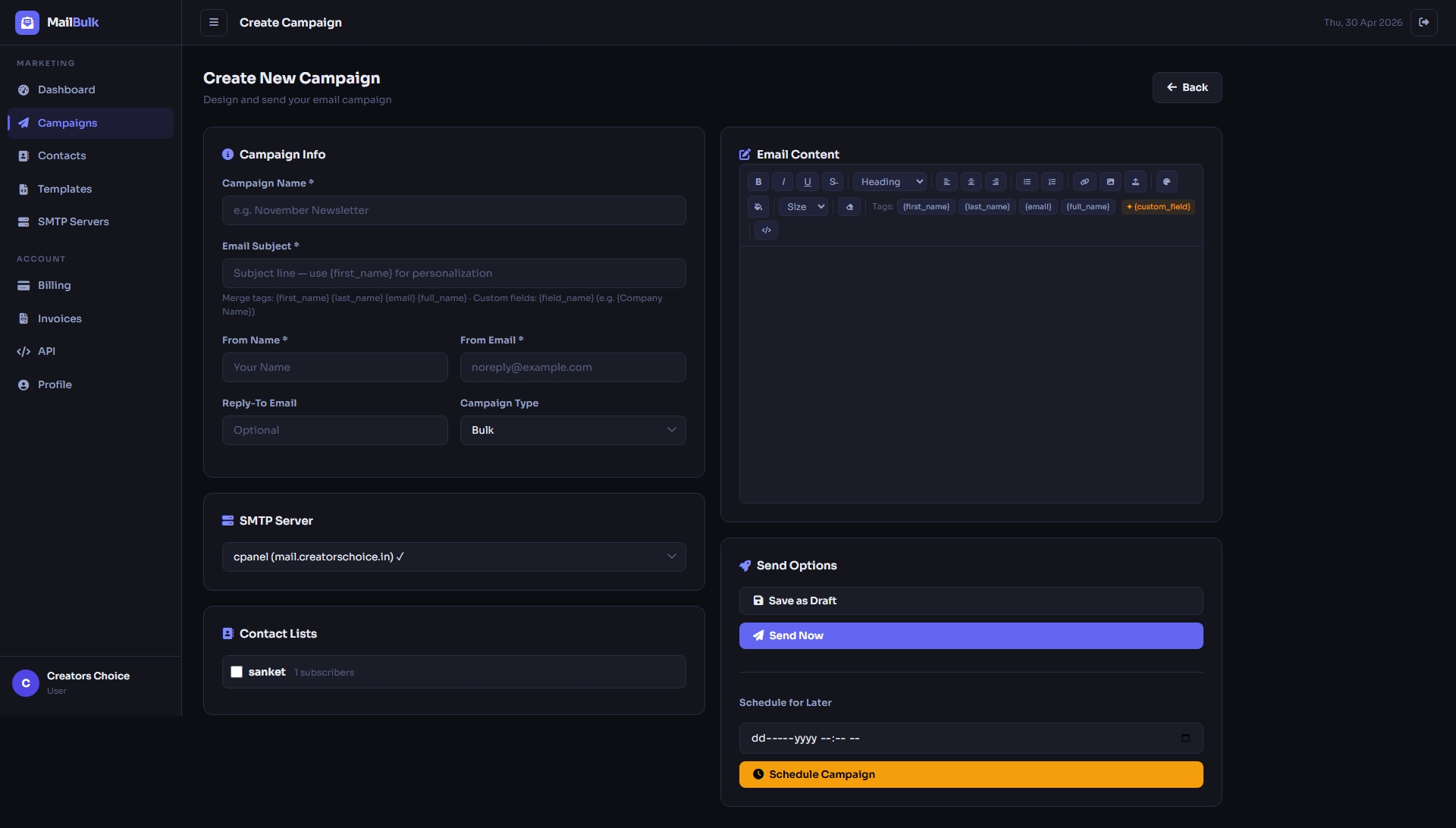
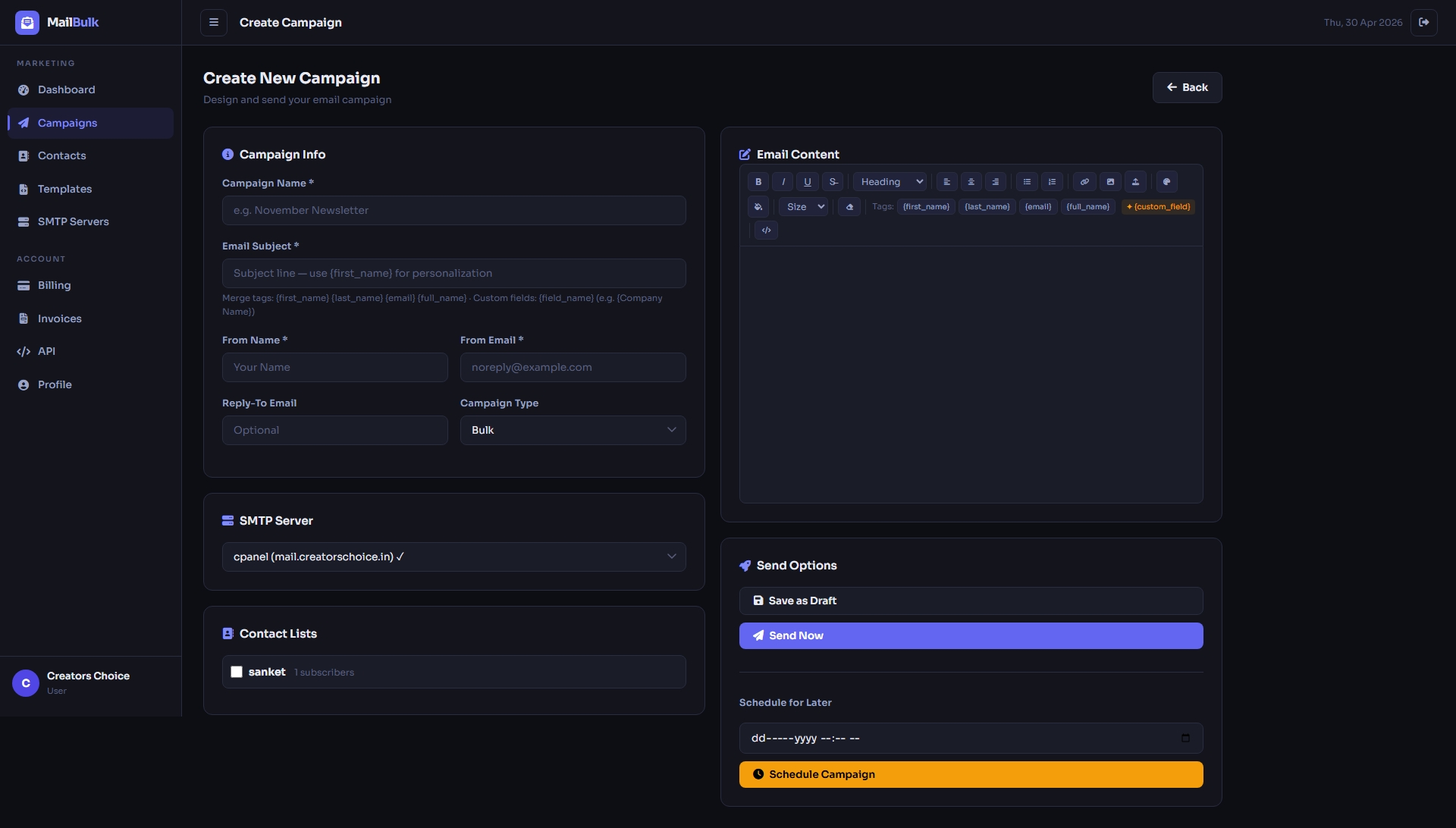
Create a campaign with the visual editor – personalise with {first_name}, choose the SMTP server and contact lists, then send now or schedule for later.
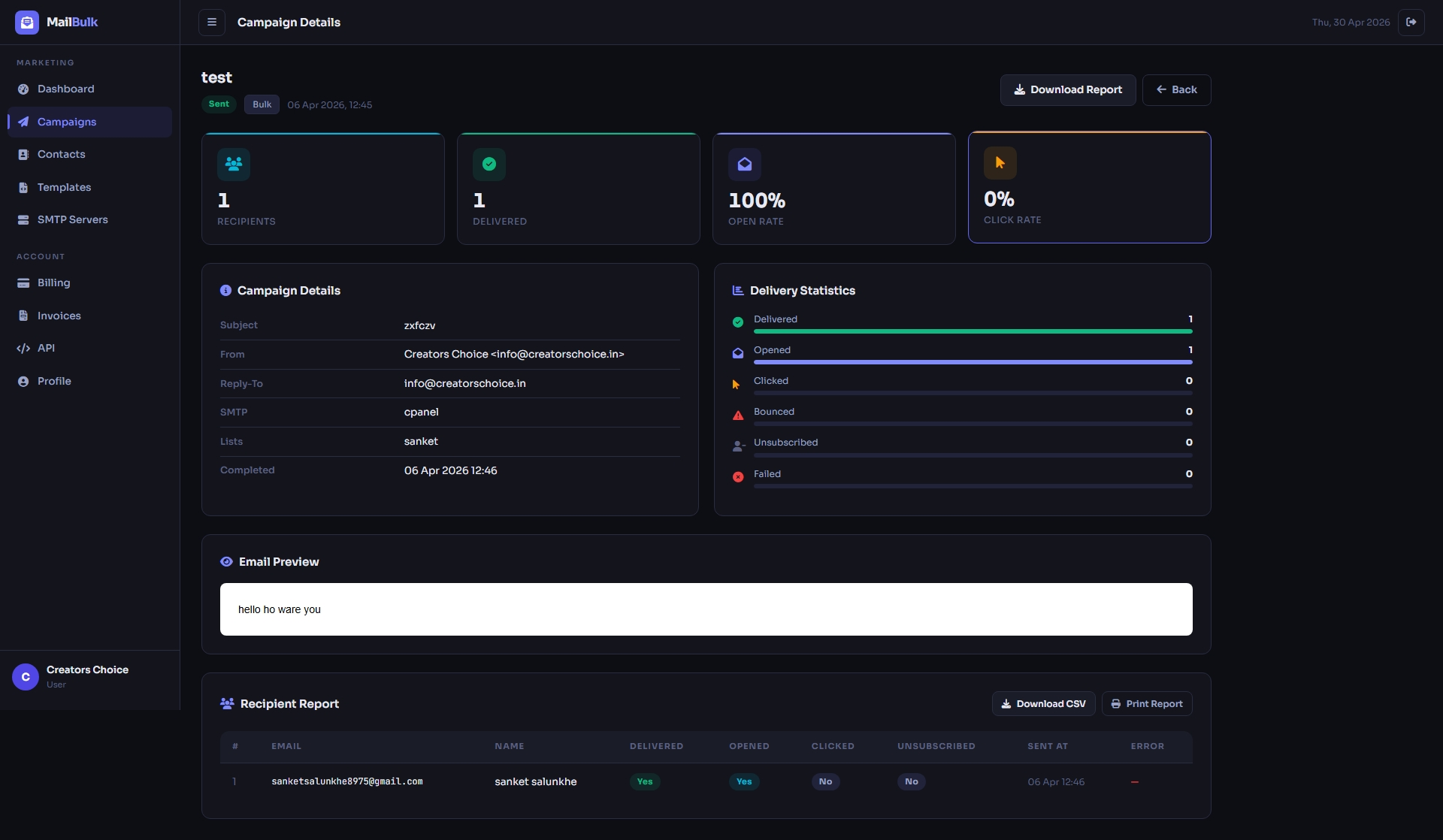
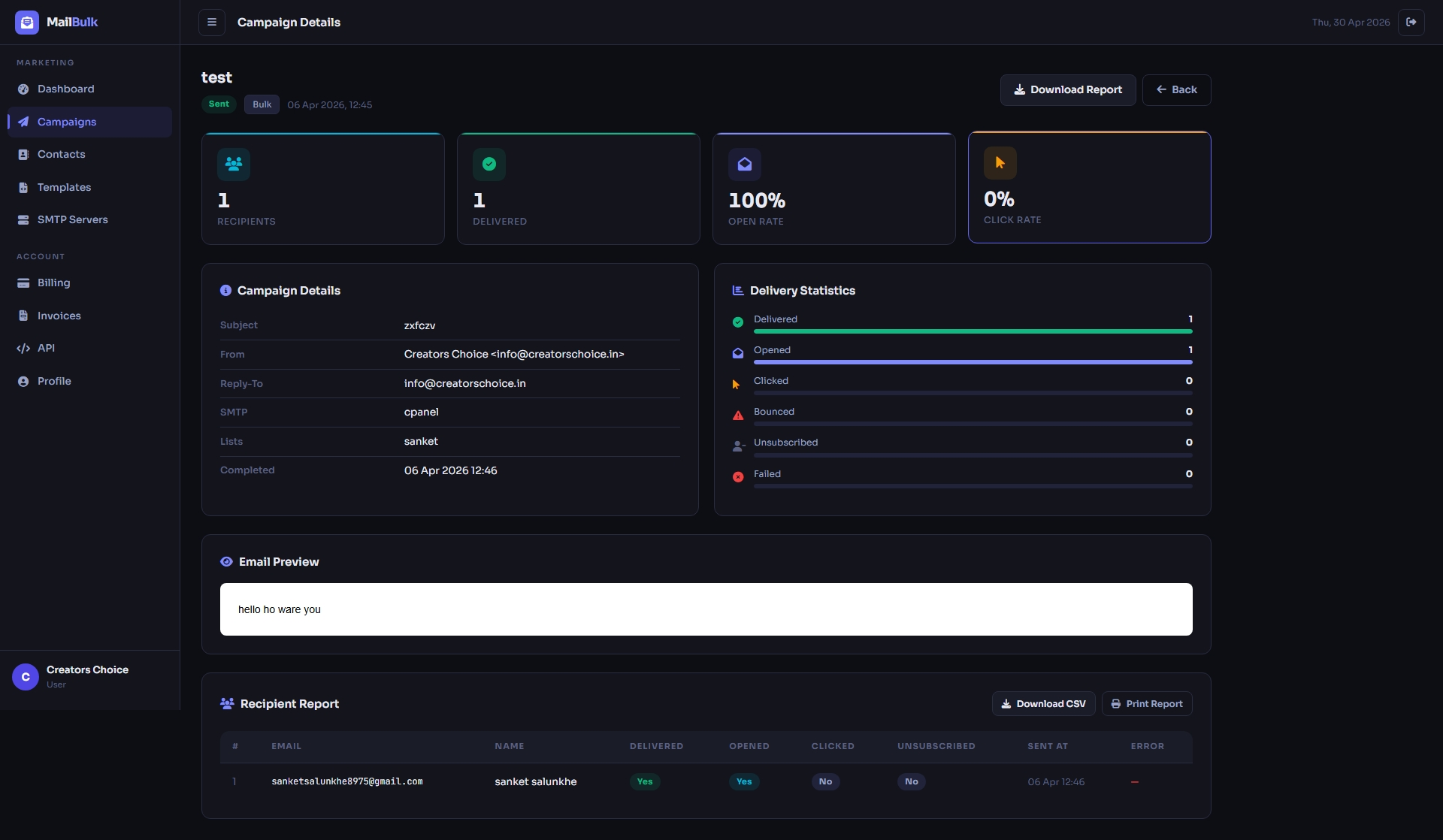
Detailed campaign report with sent, failed, opened, bounced and unsubscribed counts. Download it as CSV or print it.
SMTP Servers
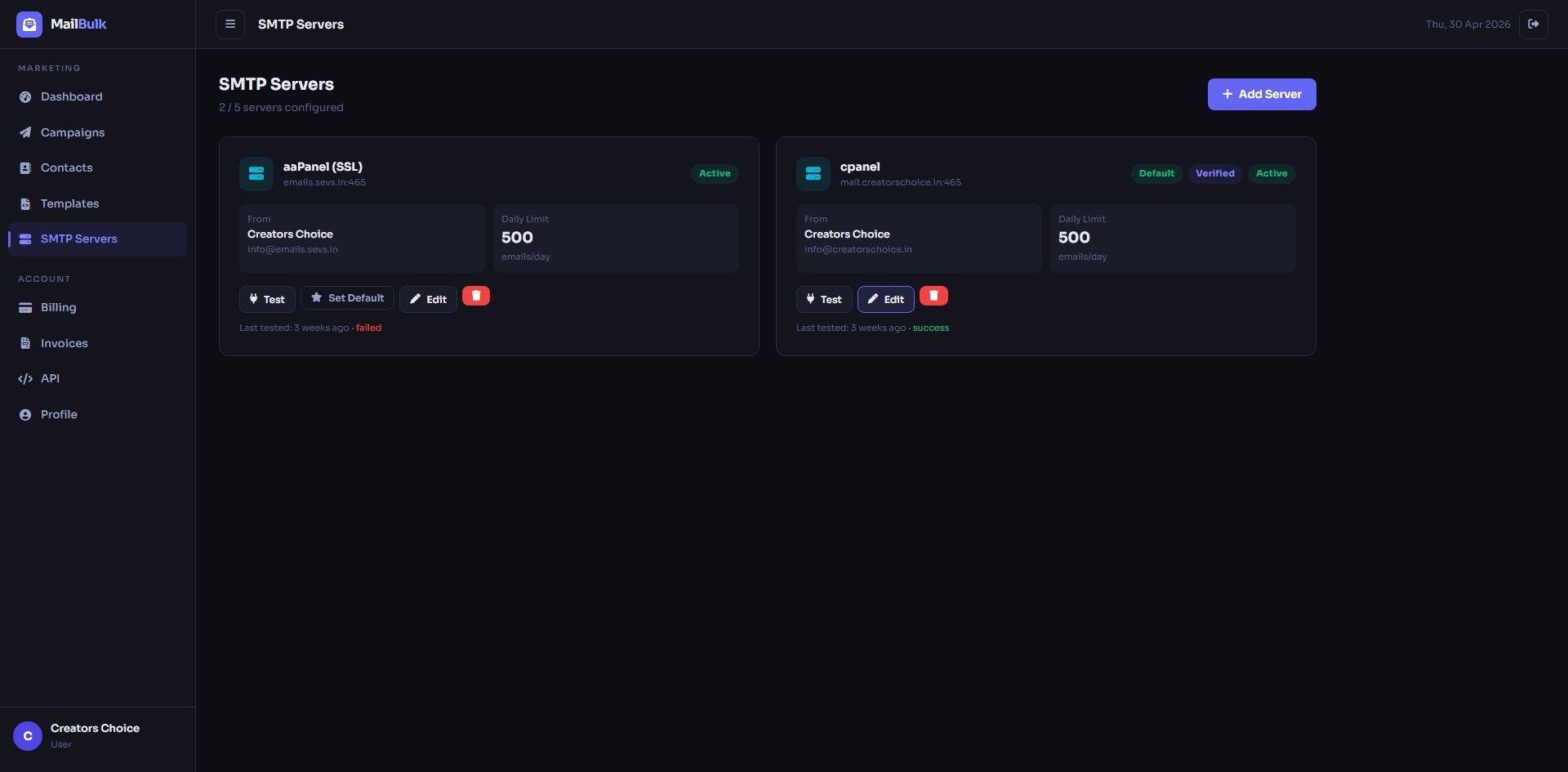
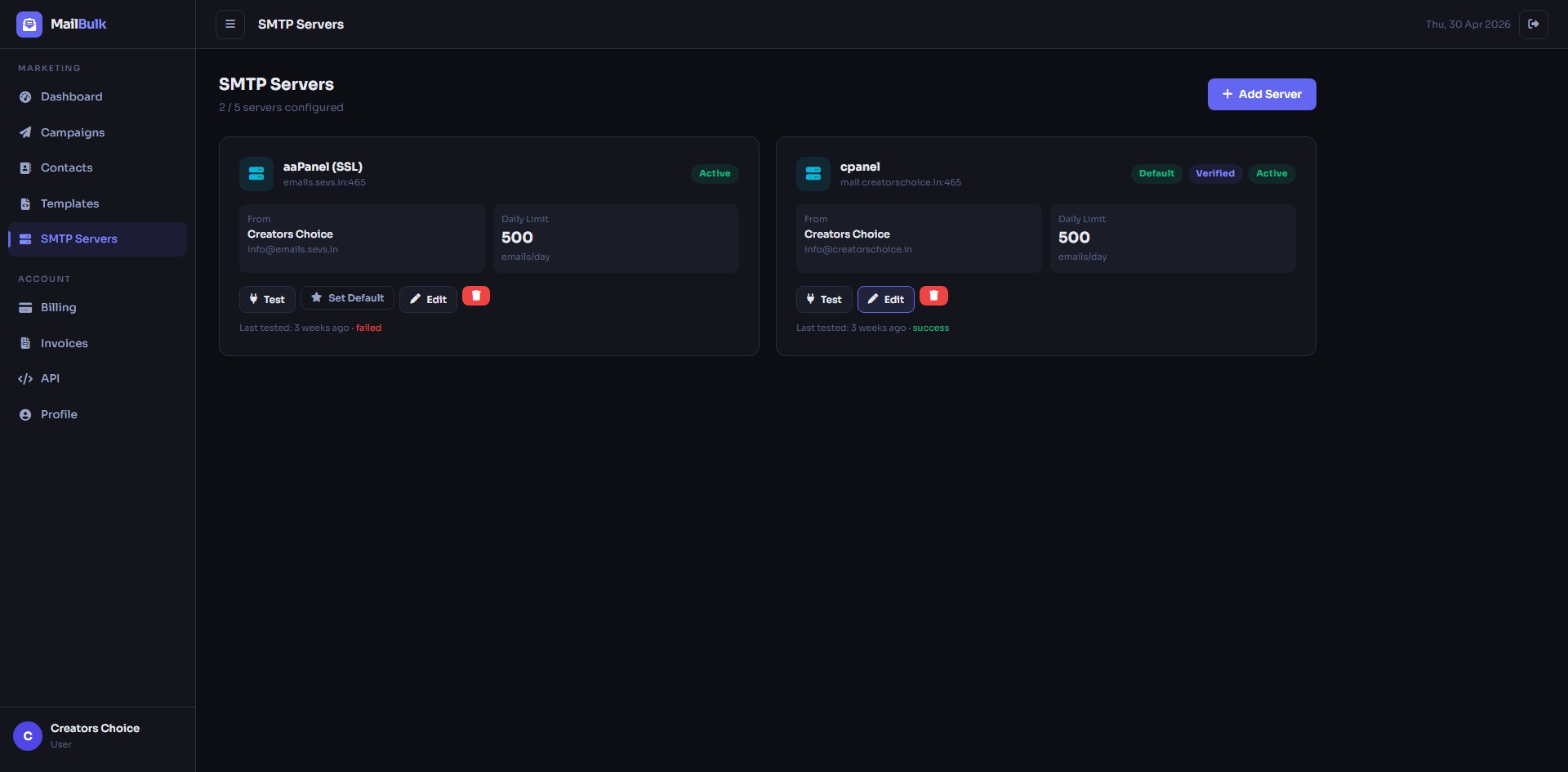
Manage multiple SMTP servers – test the connection, set a default server and control the daily limit.
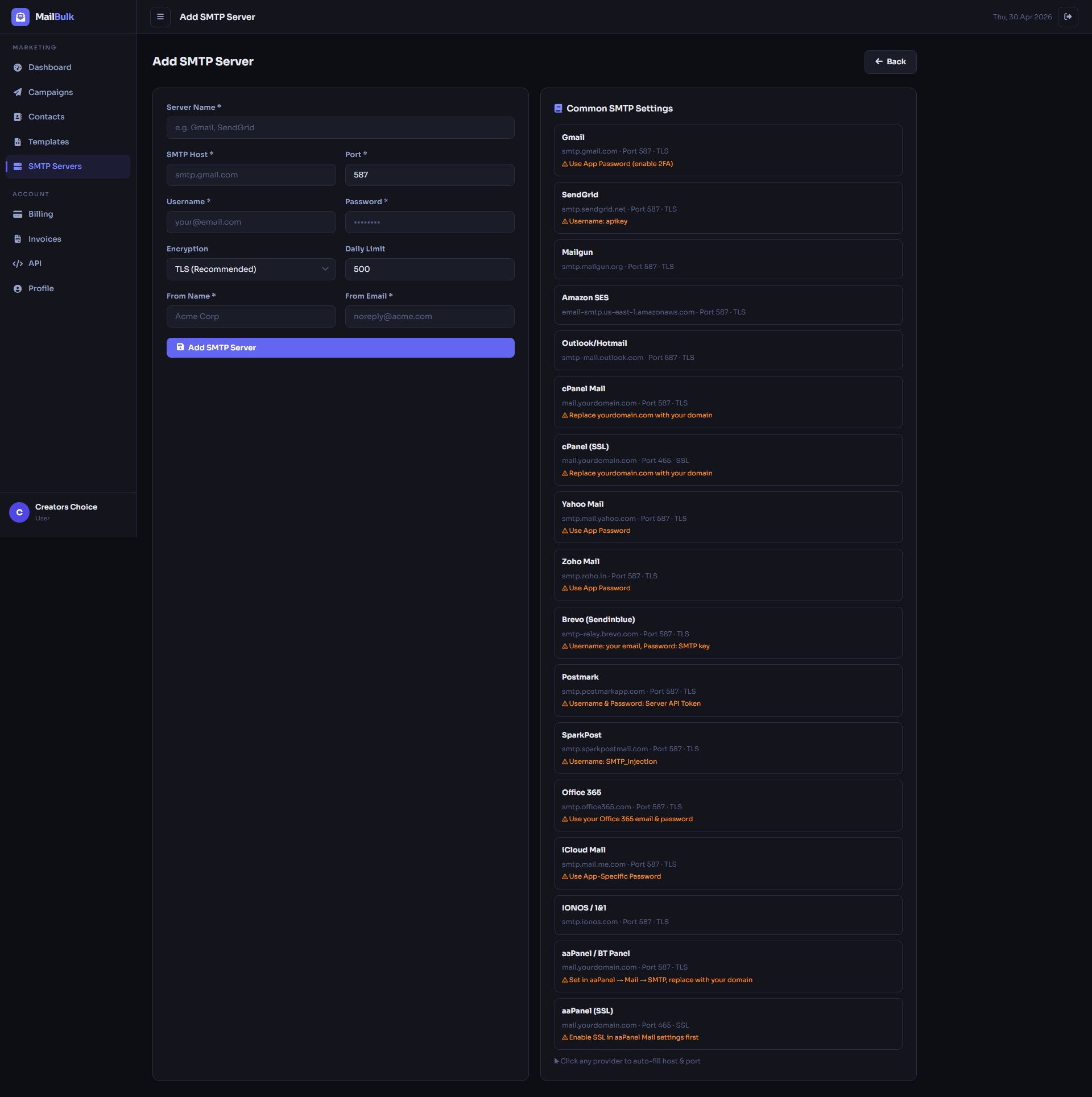
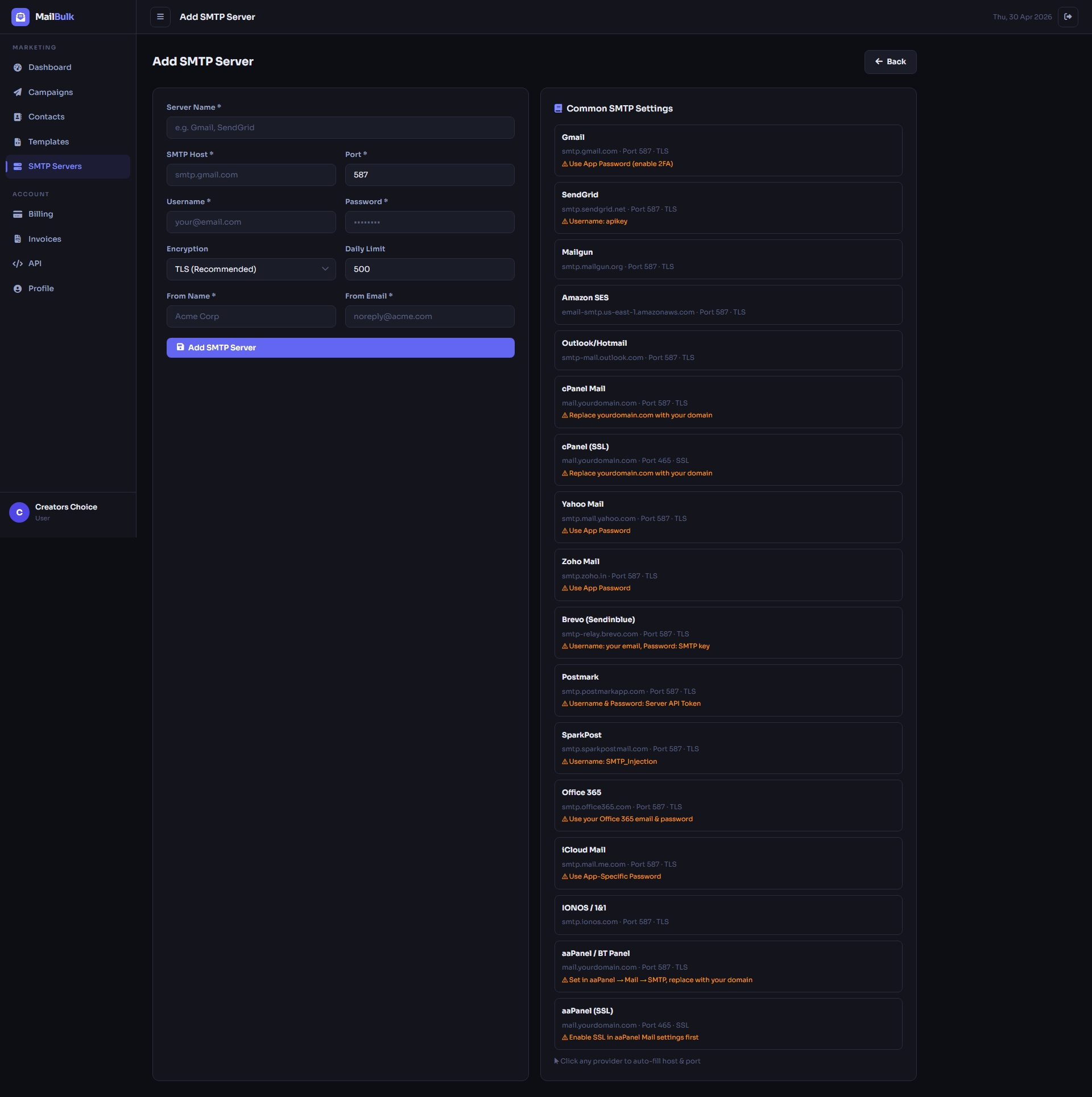
Add any SMTP provider with host, port, TLS / SSL, login and sender details.
Email Templates
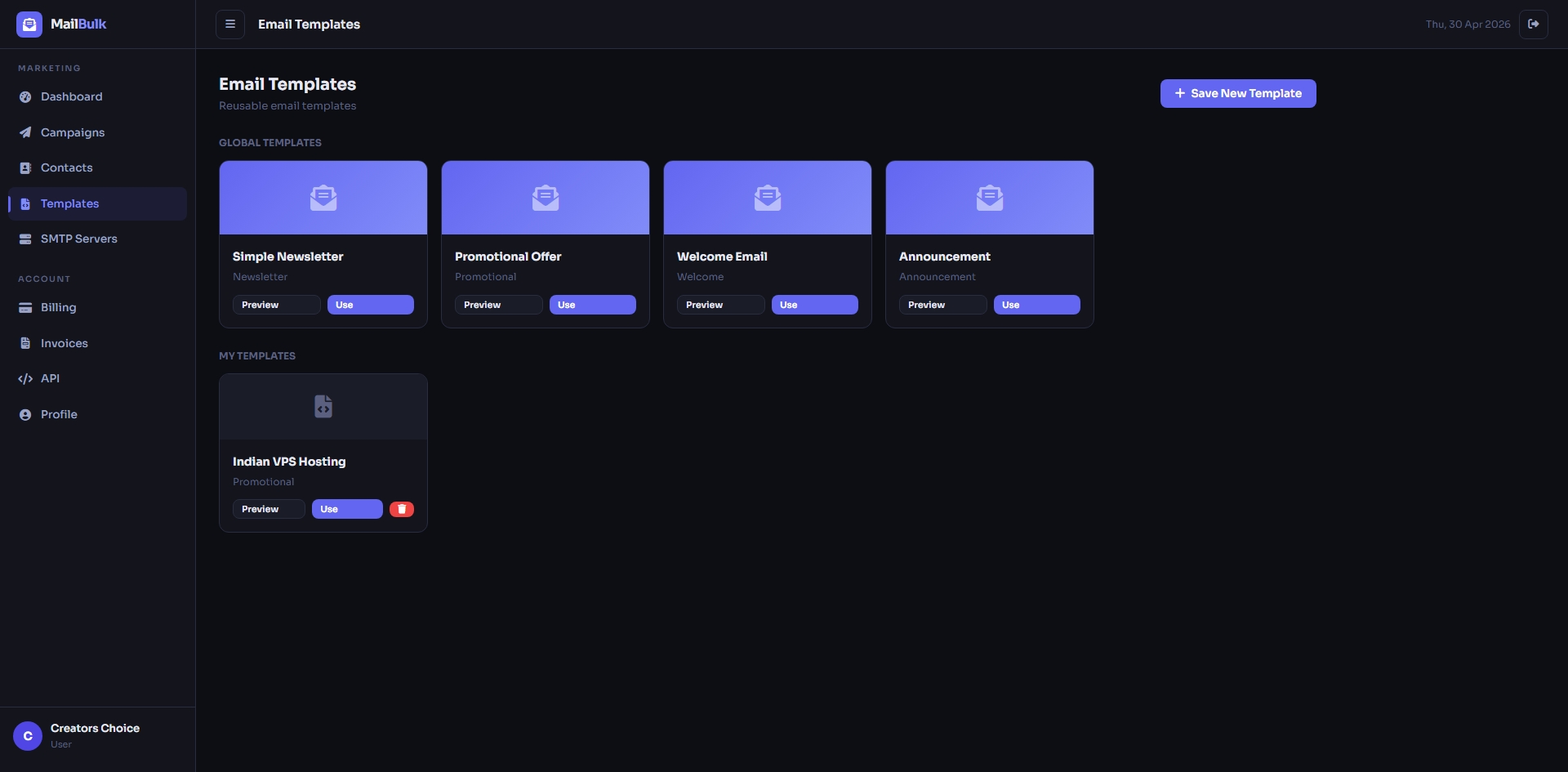
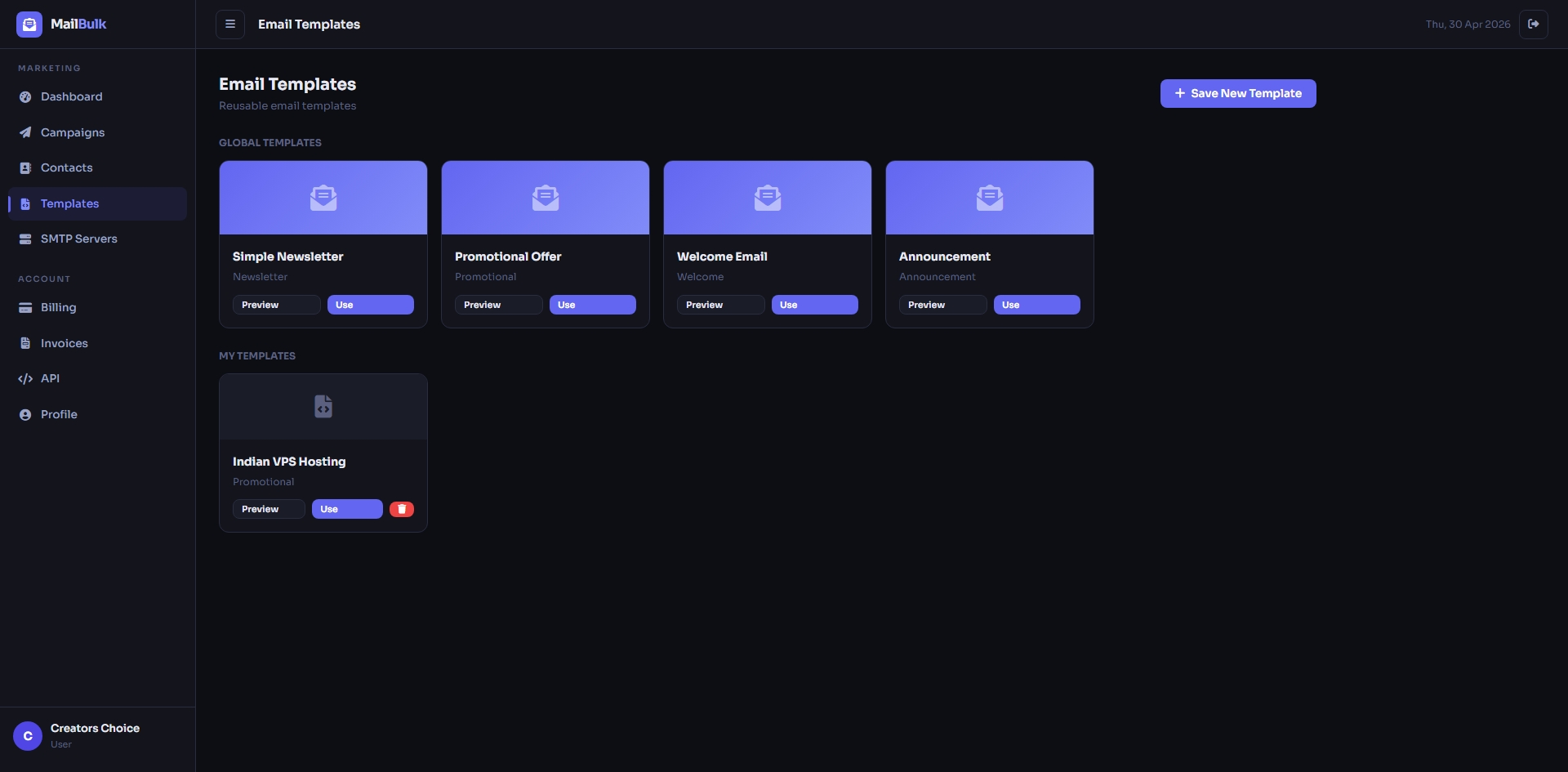
Ready-made e-mail templates by category with live preview.
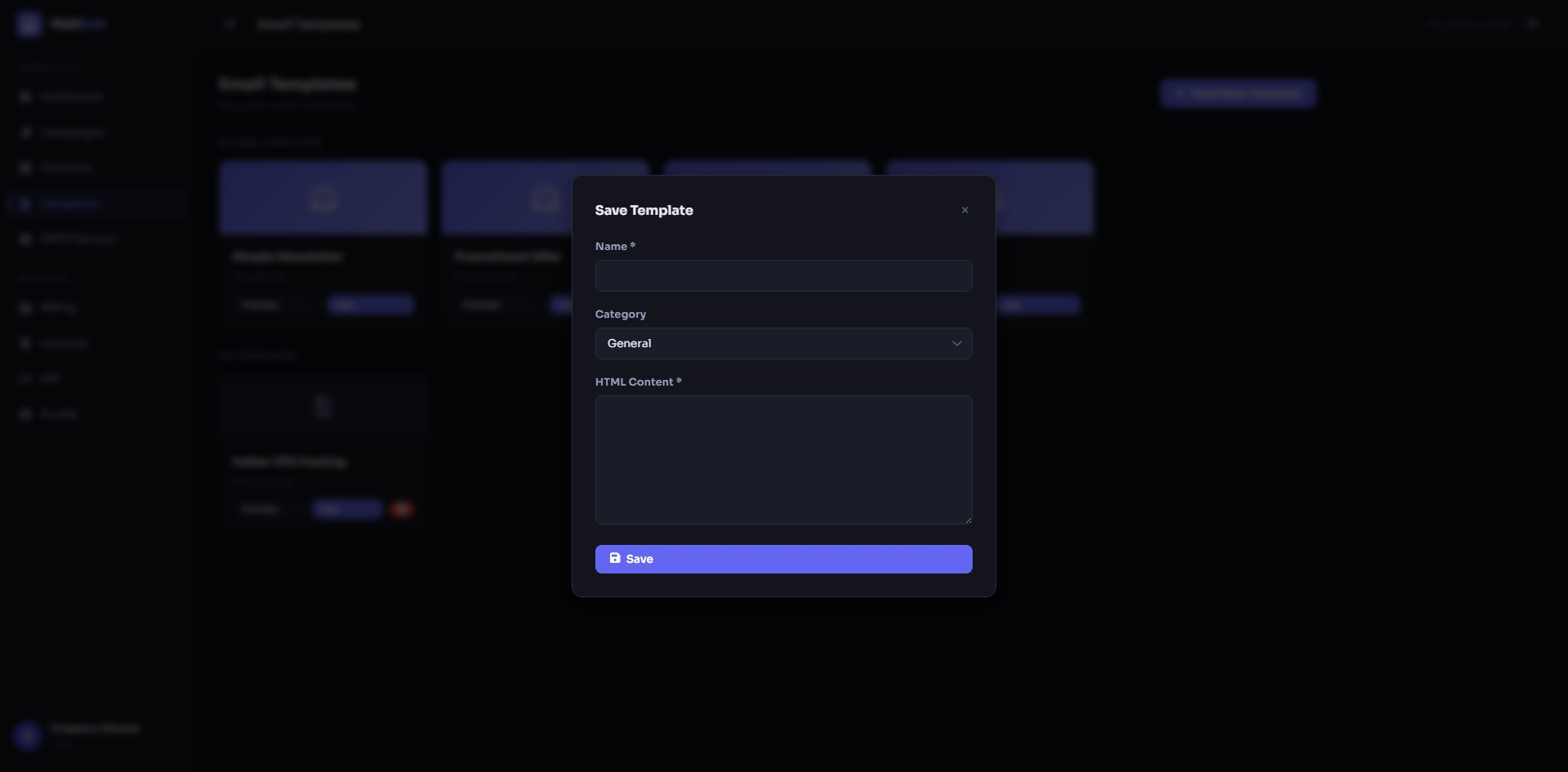
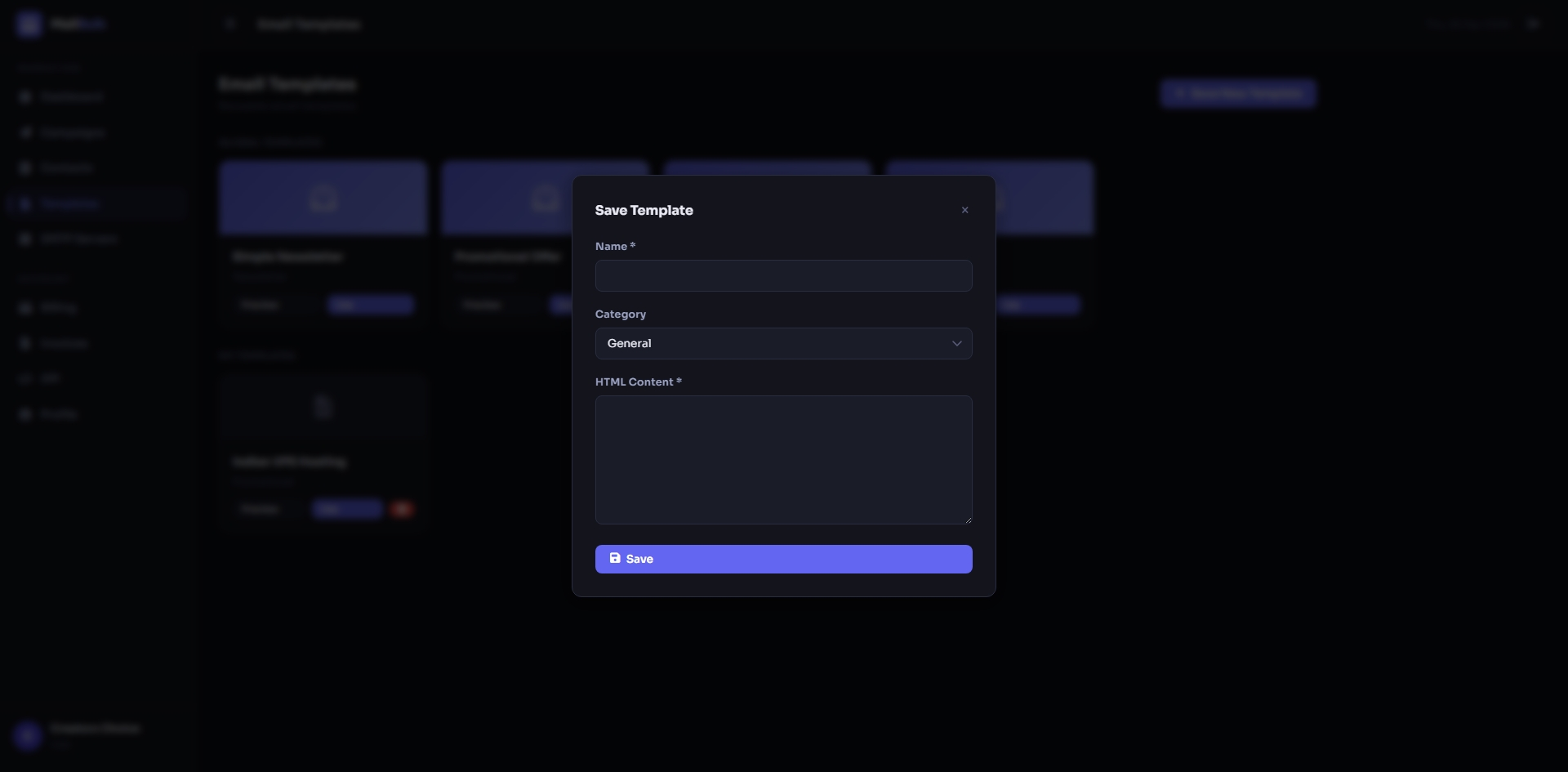
Create and save your own HTML e-mail templates and reuse them in any campaign.
API & Profile
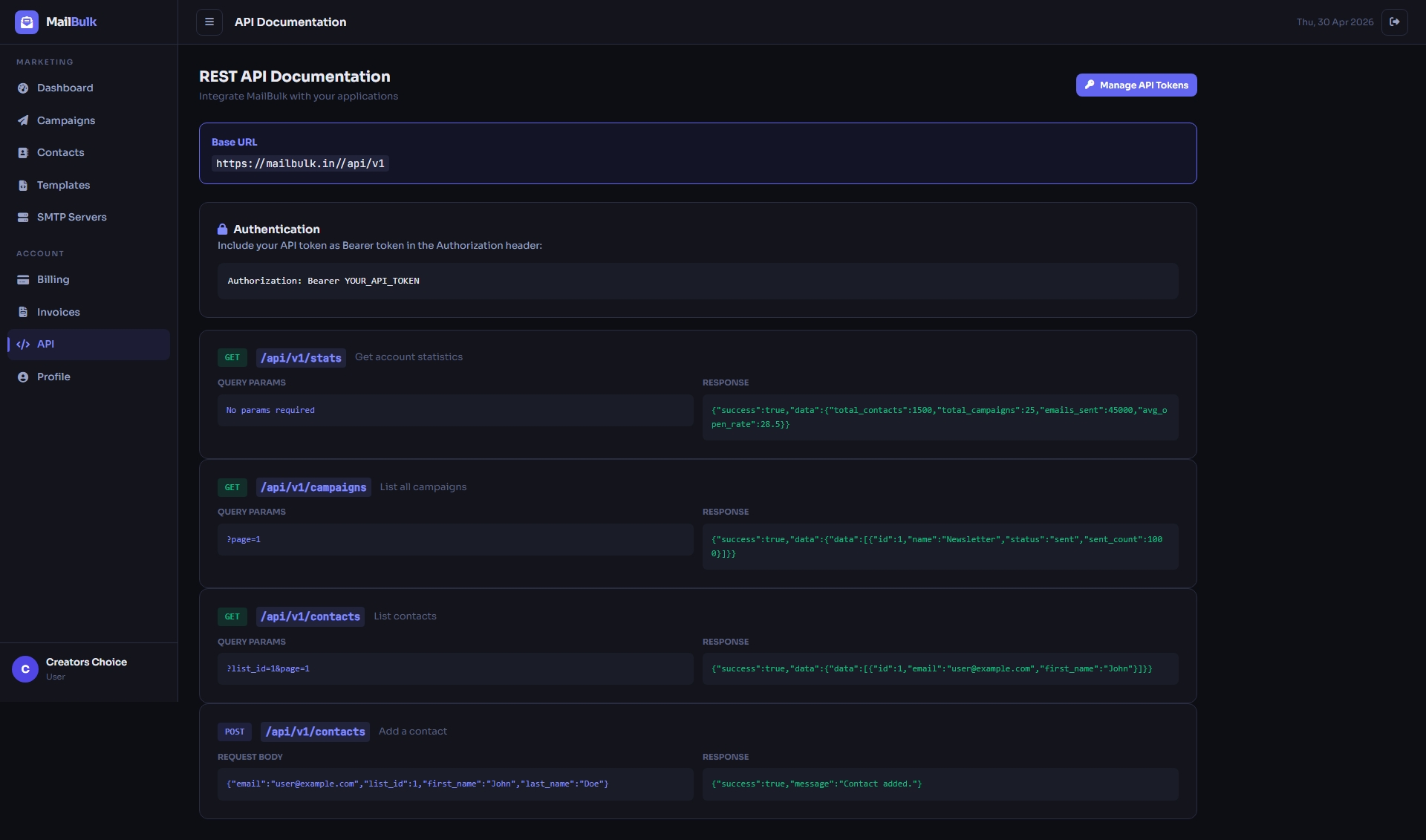
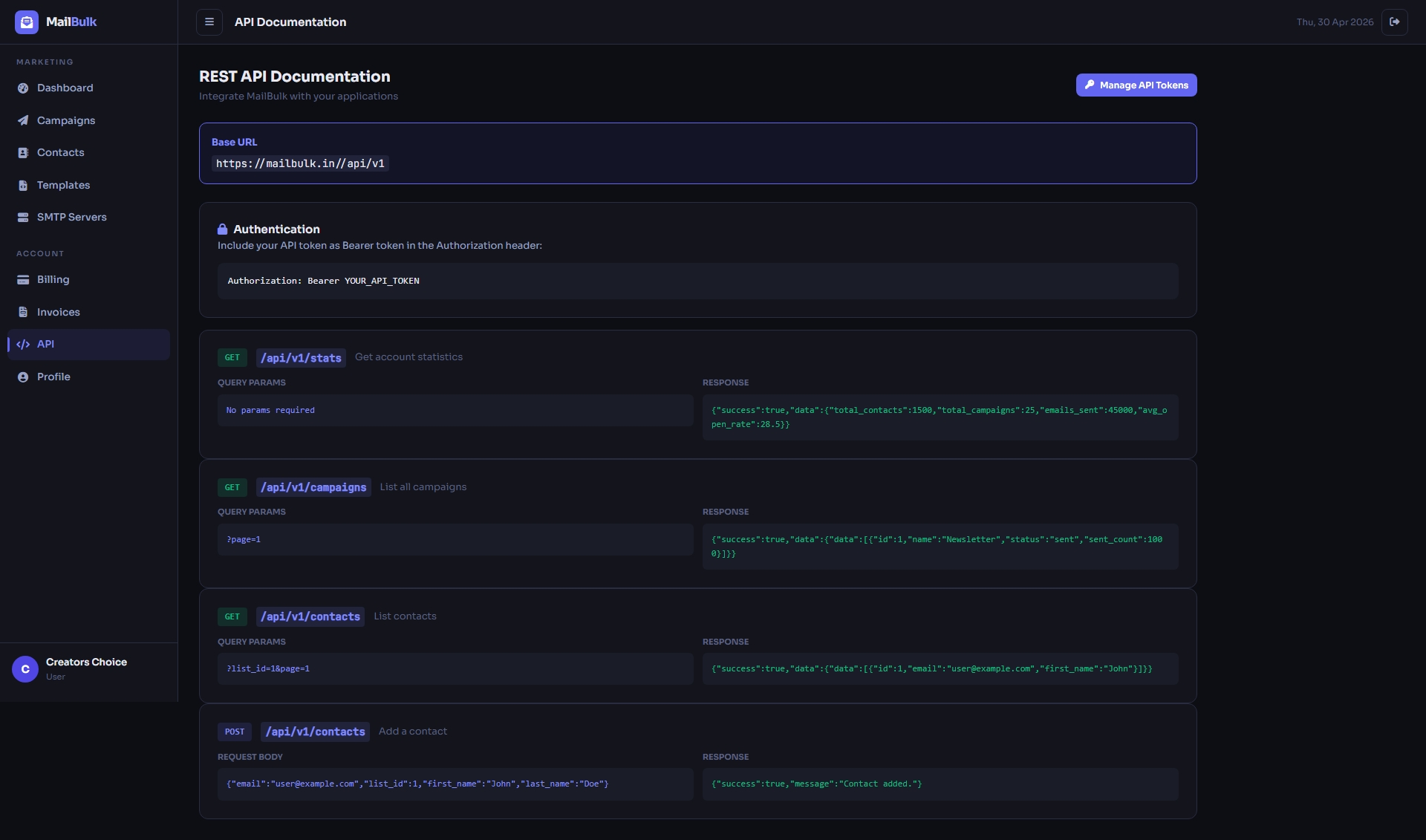
Built-in REST API documentation with example requests and responses (token-based, available on plans with API access).
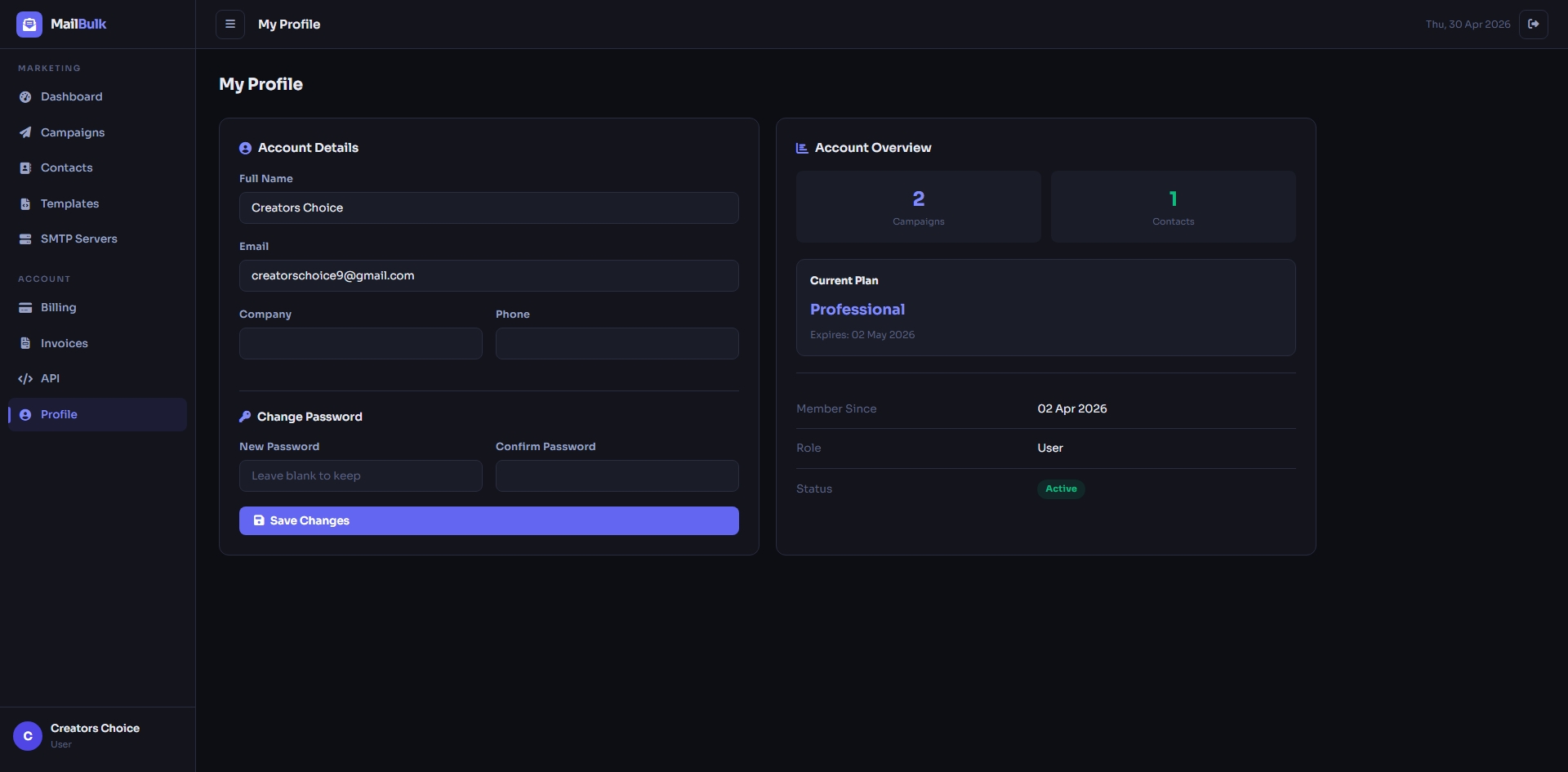
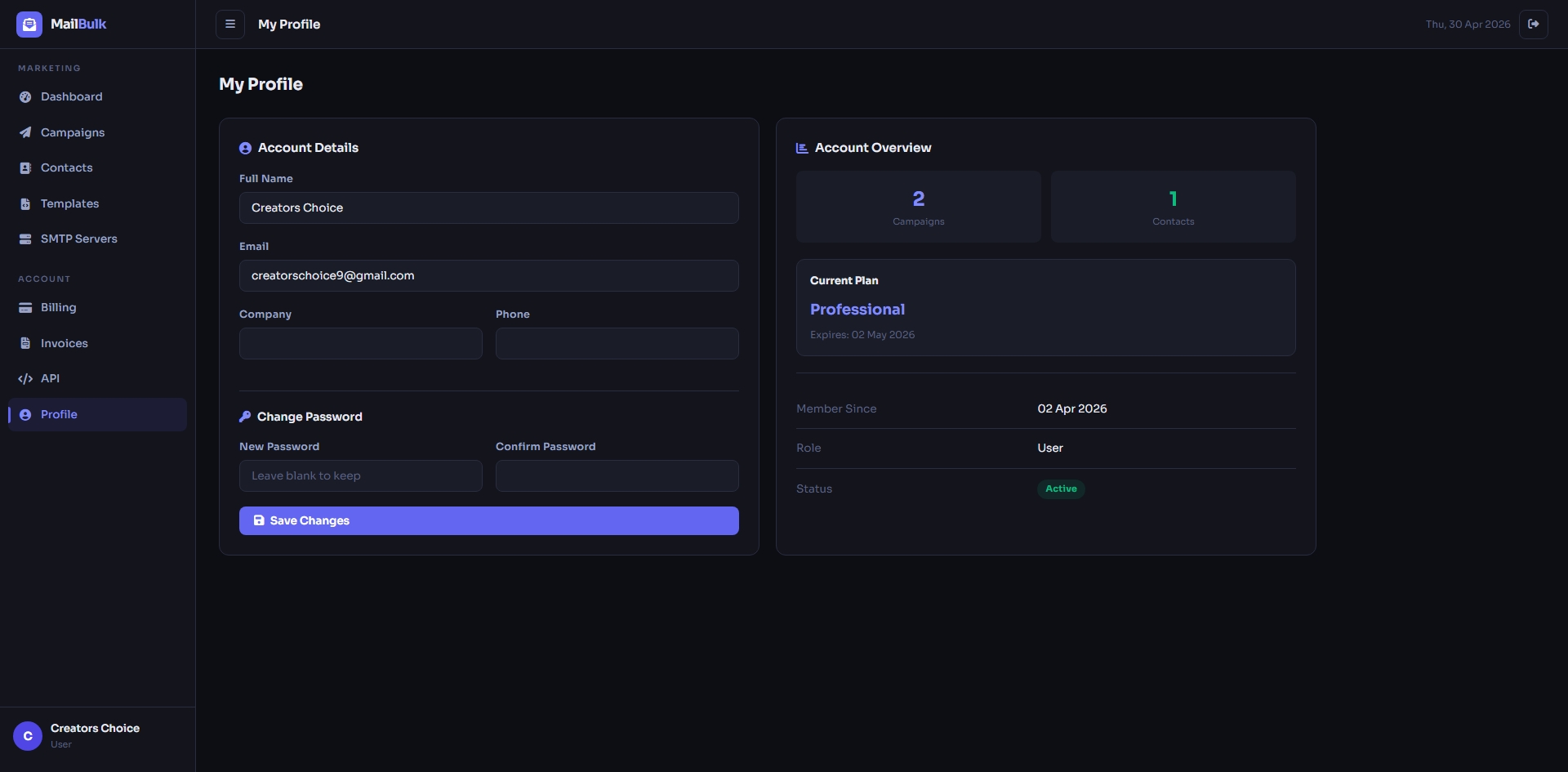
Profile page to update your details and change your password.
Key Features
Campaigns & Sending
- Create, edit, duplicate, pause and resume e-mail campaigns
- Send now or schedule for a later date and time
- Visual rich-text editor with image upload, plus HTML templates
- Personalisation tags: {first_name}, {last_name}, {full_name}, {email}
- Automatic unsubscribe link on every e-mail and a public unsubscribe page
- Open tracking, plus sent / failed / opened / bounced / unsubscribed counts for each campaign
- Download a campaign report as CSV and print it
- Background queue that sends in batches through a cron job (batch size is configurable)
- Bulk and Whitelist campaign types
Contacts
- Unlimited contact lists (within the plan limits)
- Add contacts manually or import from CSV (sample file included)
- Invalid and duplicate addresses are skipped automatically
- Extra CSV columns are saved as custom fields
- Export any list to CSV
- Subscribed / unsubscribed status for every contact
SMTP Servers
- Add multiple SMTP servers per user with TLS / SSL support
- One-click Test button and a default server
- Daily sending limit per server
- Works with any SMTP provider
Email Templates
- Ready-made global templates (newsletter, promotional, welcome)
- Save your own HTML templates with categories and live preview
Admin Panel
- Dashboard with users, campaigns, e-mails sent and revenue
- Manage users: create, edit, suspend, assign plans
- Login as user (impersonation) for quick support
- Subscription plan manager for users and resellers (e-mails, contacts, campaigns, SMTP and template limits, API access, features list)
- Free trial with configurable days and limits
- All campaigns, e-mail queue (with manual “process now”) and activity log
- Broadcast e-mail to all users, resellers or regular users
- System health page (PHP version, memory, database size, storage) and log cleaner
- Google reCAPTCHA v2 or Cloudflare Turnstile on login and registration
- Application name, URL, sender e-mail and trial settings from the panel
Reseller System
- Reseller plans with maximum clients, commission % and per-client limits
- Reseller dashboard and “My Clients” page to add clients and change their plans
- Reseller billing, invoices and profile
Payments & Billing
- Razorpay online payments (card, UPI, net banking)
- Manual payments by UPI or bank transfer with UTR and screenshot, approved or rejected by the admin
- Currency and tax % settings
- Automatic invoices with your company name, GST number, address and invoice prefix
- Users can view and print their invoices
REST API
- Token-based API (Bearer token) with built-in API documentation page
- Get account statistics, list contacts and add contacts from your own apps
- API access can be turned on per plan
Website Builder (Frontend CMS)
- Public home, features, pricing, reseller plans, about and contact pages
- Edit site name, logo, favicon, colors, hero, sections, footer and social links from the admin
- Pricing page is built automatically from your plans
- FAQ manager and contact-form inbox
- SEO: meta title / description / keywords, Open Graph image, Google Analytics & Tag Manager IDs, auto sitemap.xml and editable robots.txt
Installation & Security
- Web Install Wizard with requirements check, database connection test and admin account setup
- Installer locks itself after installation
- Clean install – only the default plans, settings, FAQs and templates are created
- CSRF protection, hashed passwords, role-based access and active-status checks
- Private folders and the .env file are blocked by the included .htaccess
- Uploaded files are validated and PHP execution is disabled in the uploads folder
- Responsive design – works on desktop, tablet and mobile
Server Requirements
- PHP 8.1 or higher (8.2 / 8.3 recommended)
- PHP extensions: pdo_mysql, mbstring, openssl, curl, ctype, json, tokenizer, xml, fileinfo (bcmath recommended)
- MySQL 5.7+ / 8.x or MariaDB 10.3+ (an empty database)
- Apache with mod_rewrite, LiteSpeed or Nginx
- One cron job running every minute (required to send campaigns)
- A domain or sub-domain (sub-folder installation is not supported)
- SSL certificate recommended
Works on cPanel shared hosting and on VPS panels such as aaPanel.
Installation in 3 Steps
- Upload the files to your domain folder and extract them.
- Create an empty MySQL database and user in your hosting panel.
- Open your domain in a browser – the Install Wizard opens automatically. Enter your database details and admin account, press Install, and you are done.
Then add the cron job (the wizard shows you the exact line) and log in at yourdomain.com/login. Full step-by-step instructions for cPanel and aaPanel are in the online documentation.
Support
Need help with installation or have a question? We are happy to help.
Email: support@creatorschoice.in
WhatsApp: +91 76207 98265
Please include your purchase code, PHP version and hosting panel when you contact us.